Introduction to Sleeve Concepts
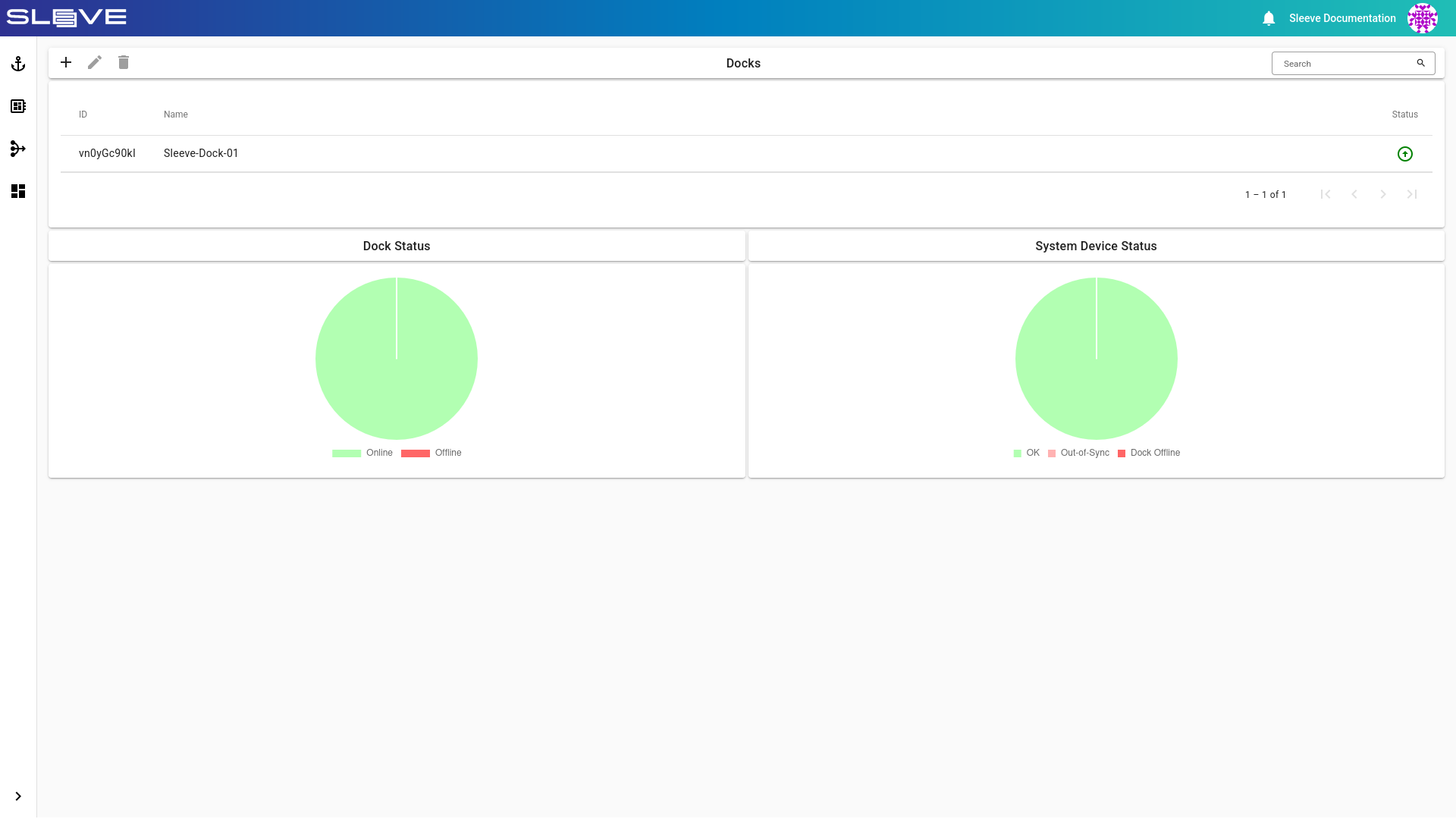
Sleeve Hub
The Sleeve Hub is the central management point of any Sleeve setup.
Hub is a web application from which you can configure Sleeve Docks, Workspaces, Actions and user permissions.
Hub Page
Deployment
Hubs can either be hosted on-premise or in the cloud. We also provide hub.sleeve.dev, a managed Sleeve SaaS solution.
Hub functions
- Central management of Sleeve Docks, Devices, Workspaces, Actions and Users
- User access control
- Device reservations
- Starting Actions on Sleeve Docks and connecting to them
Note
On its own a Sleeve Hub, can not run any Actions. Another Sleeve Concept, the Dock, needs to be connected first.
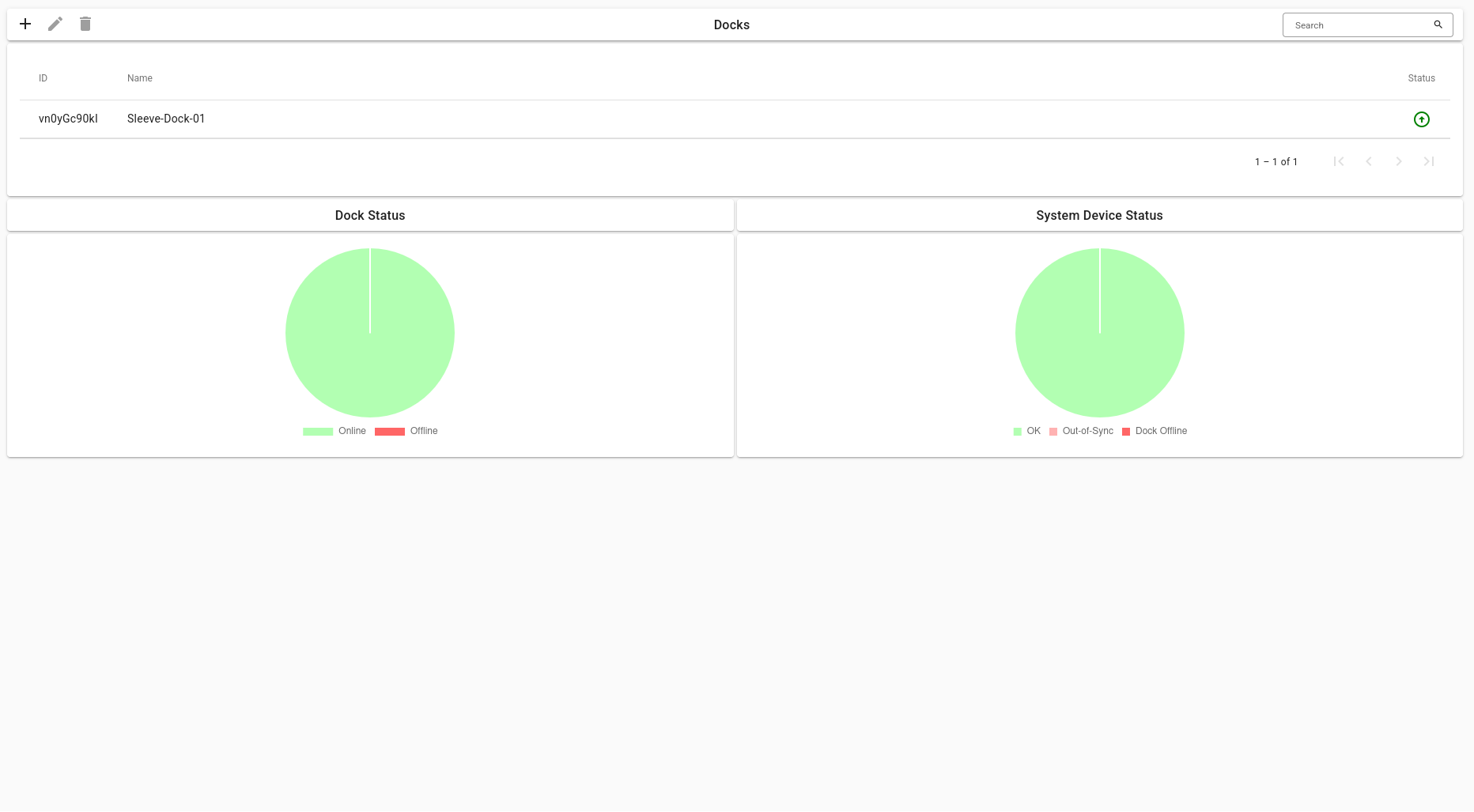
Sleeve Dock
The Sleeve Dock is the local computing counterpart to the Hub.
When an Action is started via the Hub webapp, a container or virtual machine will be run on a Sleeve Dock. Any Devices connected to the Dock can be used in Actions, so you would connect any physical devices like microcontrollers, debuggers or cameras here.
There is no practical limit to the amount of Docks that can be connected to a single Sleeve Hub.
Docks Page
Sleeve Devices
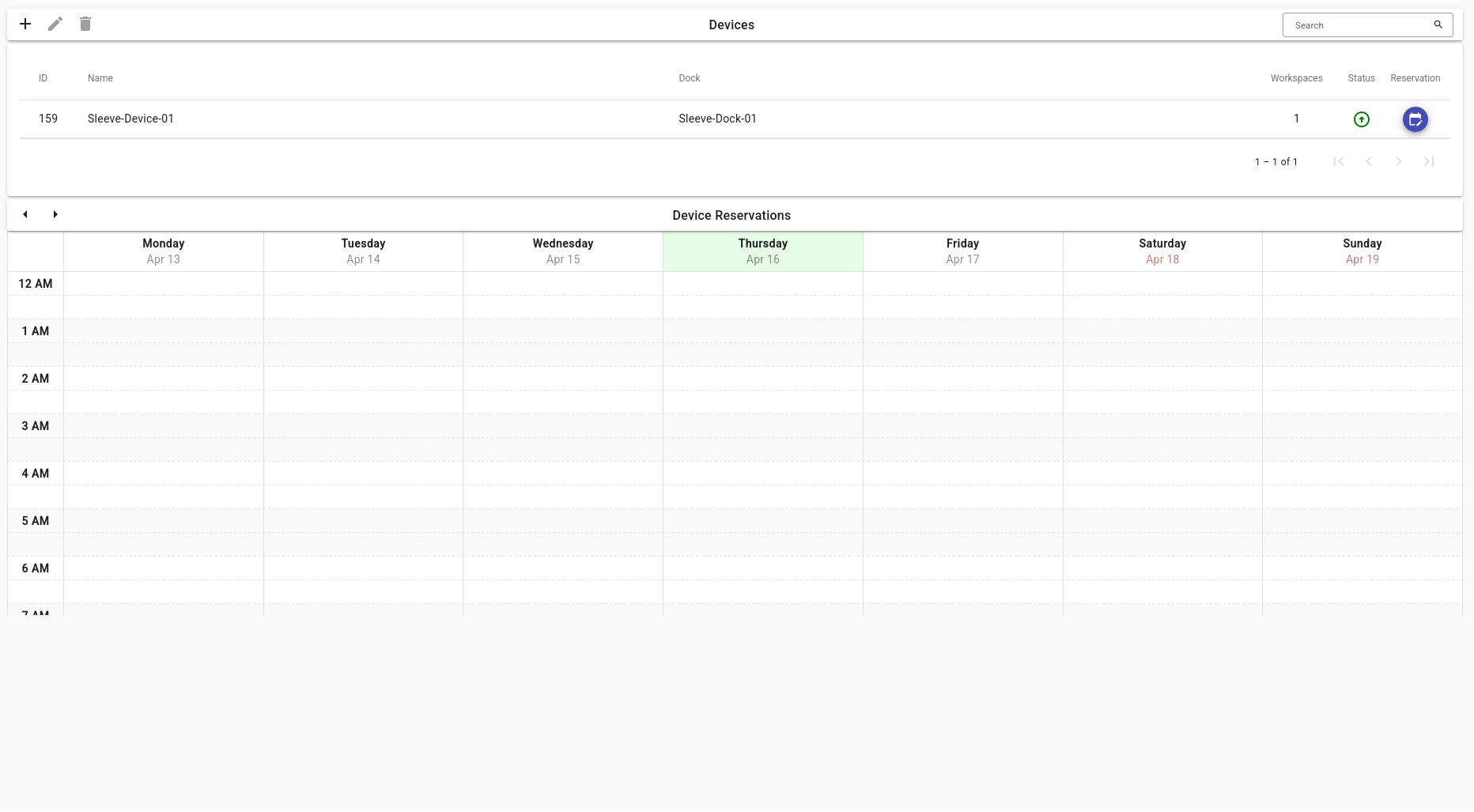
Sleeve Devices are a tool for grouping actual physical devices together.
Often multiple physical devices depend on each other, for example, a debugger connected to a microcontroller. Splitting these two would not make sense; that is why we group them into a single Sleeve Device. Each Sleeve Device can have multiple virtual Workspaces attached to it. Workspaces are explained in a later section.
Devices Page
Reservations
Reservations are part of Sleeve’s User and access management system.
It is integral that your work is not interrupted by others — especially when working with advanced embedded hardware. Device Reservations provide a way for Users to ensure that they have full control over who gets to access a Sleeve Device at any point in time.
See the page on Device Reservations for more details.
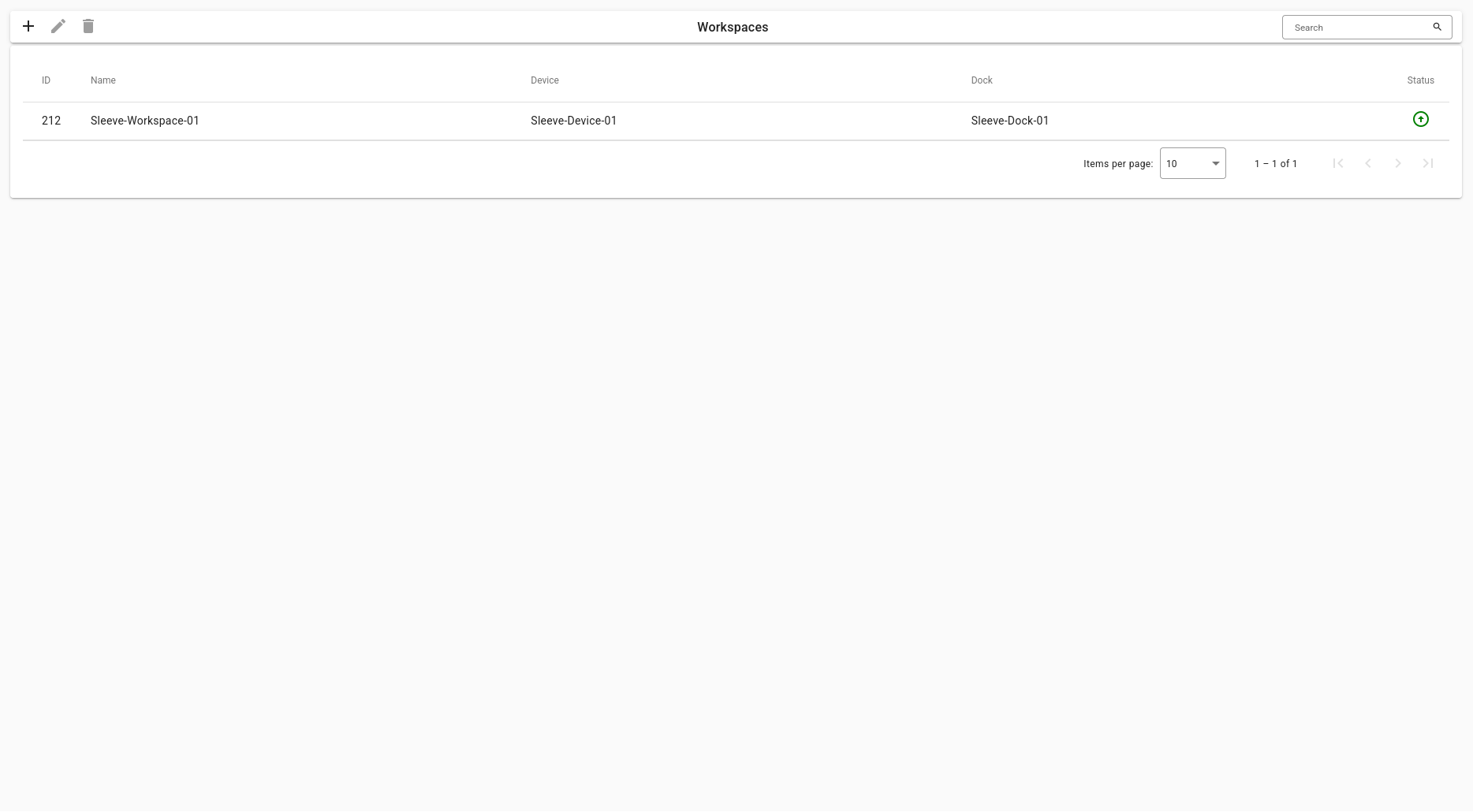
Workspaces
Workspaces group multiple Actions together.
In each Workspace, there is a shared volume that can be accessed by any Actions from that Workspace.
Workspaces Page
Actions
Actions run the actual programs.
Each Action is a (preferably tiny) container or virtual machine with one specific purpose running on a Dock. They are quick at starting, and they are reset on restarts. Any Devices that are assigned to the Actions’ Workspace can be mounted to the Action container or virtual machine.
System Devices
System Devices represent physical Devices such as USB Devices, graphics cards or other PCI Devices.
System Devices can be linked to Sleeve Devices and the mounted into Actions to get access to the hardware.