Workspace Basics
This page describes the structure of a Workspace page.
For an overview of what a Workspace is and how it works, see Workspaces.
Info
Actions in a Workspace share a network subnet and a volume mounted to /sleeve in GNU/Linux Actions or a network drive in Windows VMs.
Workspace Cards
Details Card
Example
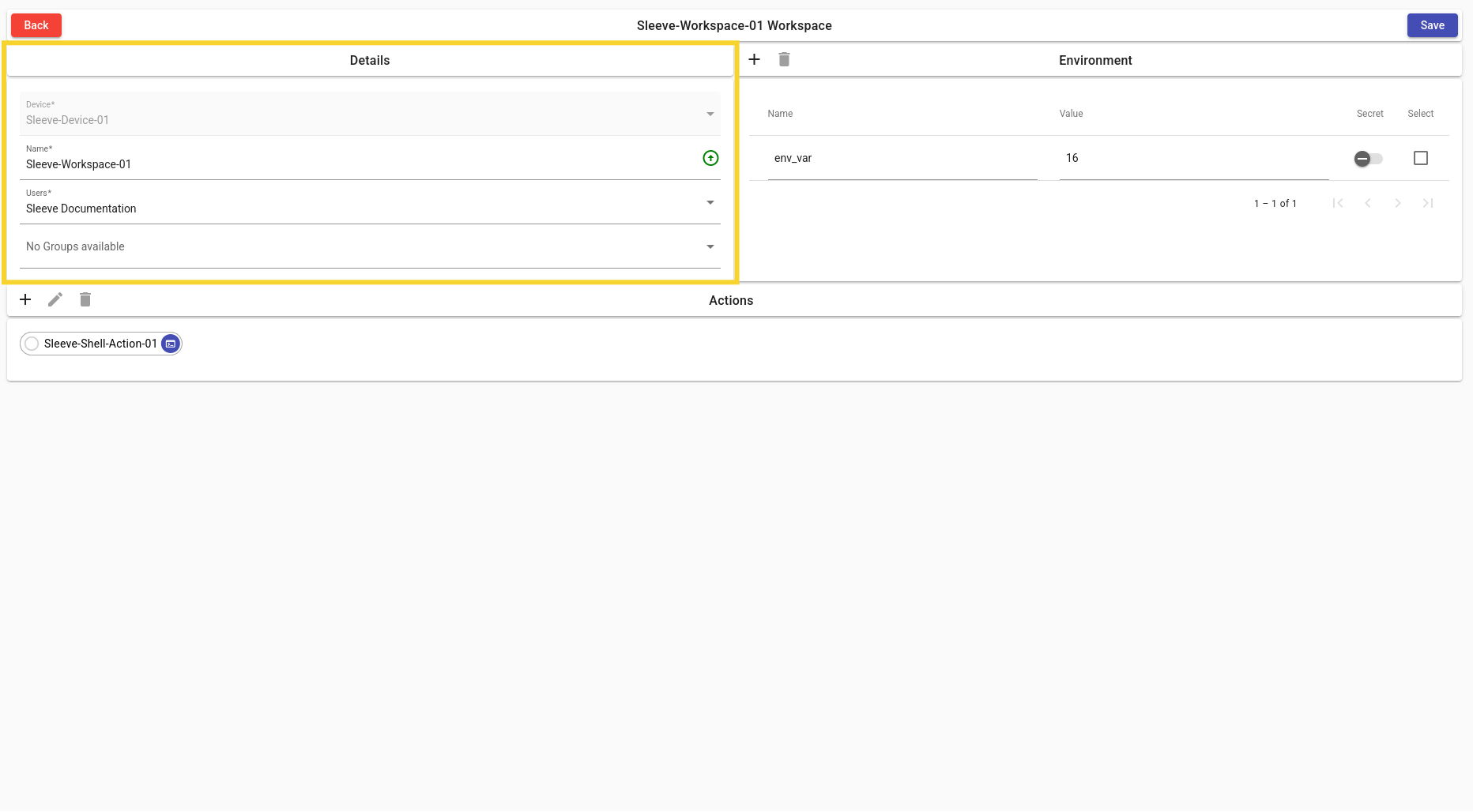
Device
- Parent Sleeve Device for Workspace.
Name
- Display name of Workspace.
Users
- Change the list of users that will have access to this Workspace.
Groups
- Change the list of groups that will have access to this Workspace.
Environment Card
For more information on Environment Variables: Environment Variable Basics.
Example
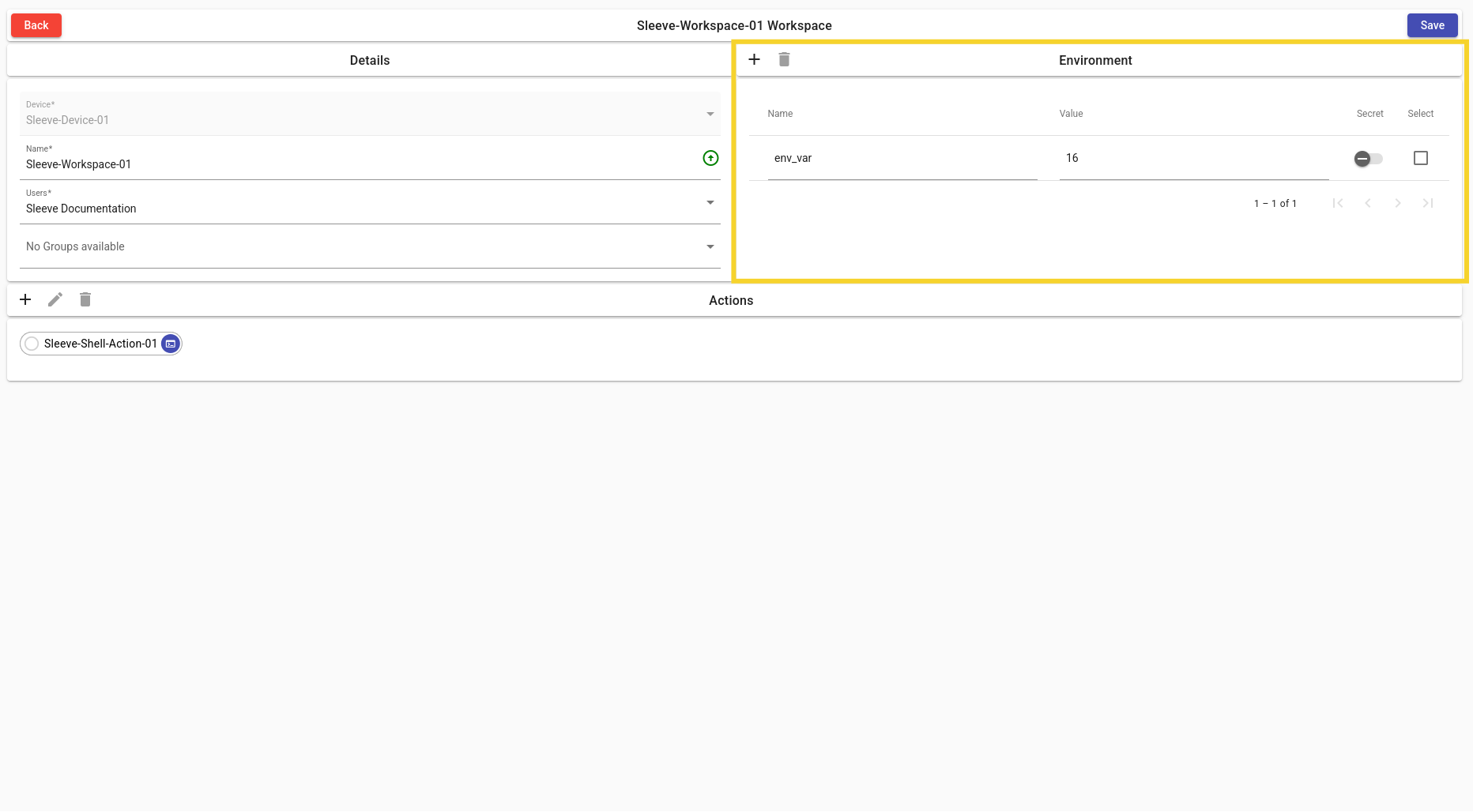
Add Variable
- Add an Environment Variable to the current Workspace.
Delete Variable
- Delete an Environment Variable.
List of Environment Variables
- A list of Environment Variables with their display name, value, secret and selected toggle.
Actions Card
For more information on Actions: Actions.
Example
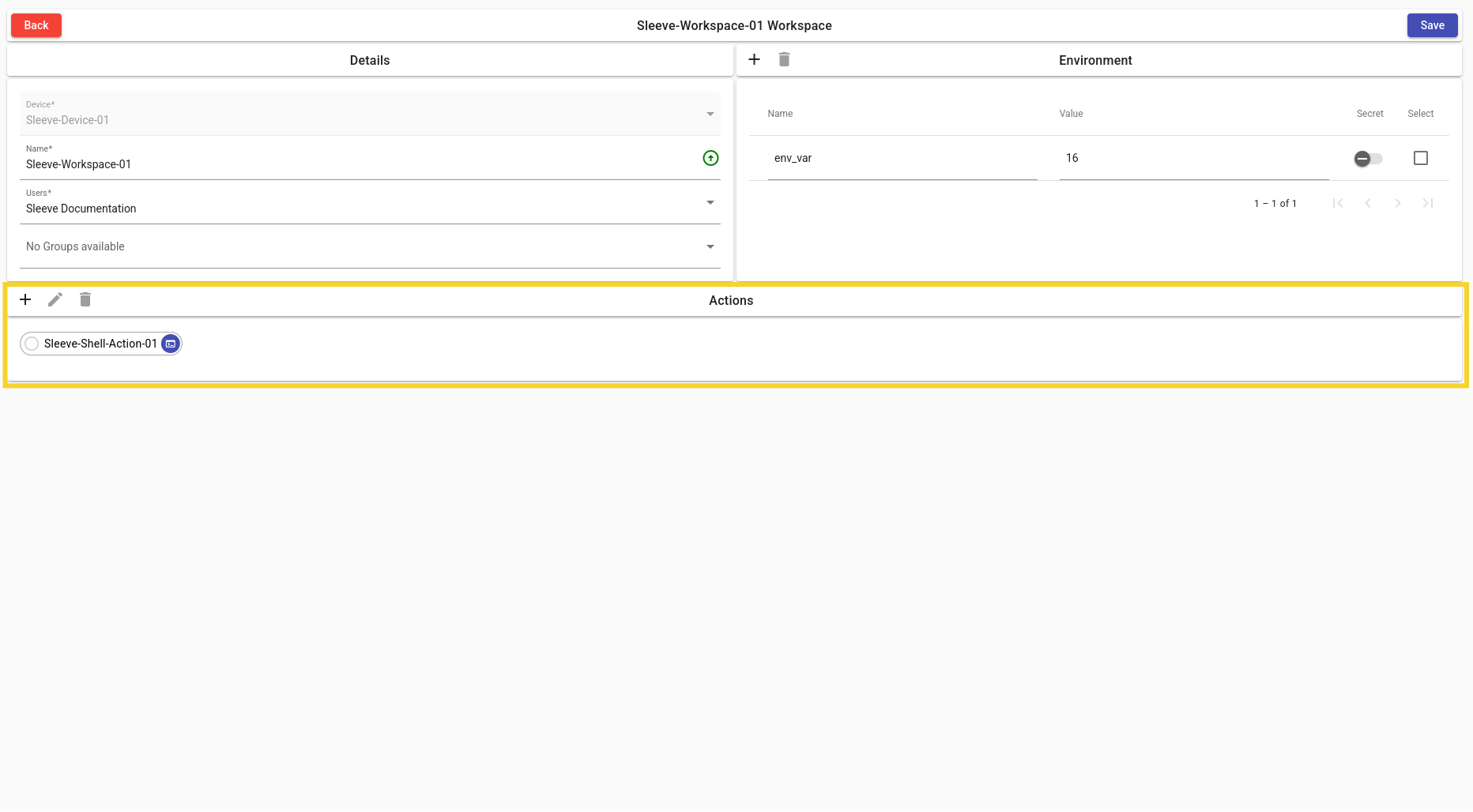
Add Action
- Add an Action to the current Workspace.
Delete Action
- Delete an Action.
Action Pipeline Card
- A View of the Pipeline of previously created Actions to manage.