How to install a Sleeve Dock
Target Audience
- Administrators
Prerequisites
-
Previously obtained valid credentials for the Sleeve container image registry. Contact us.
-
A previously created Dock.
Install the Sleeve Dock on a Linux machine
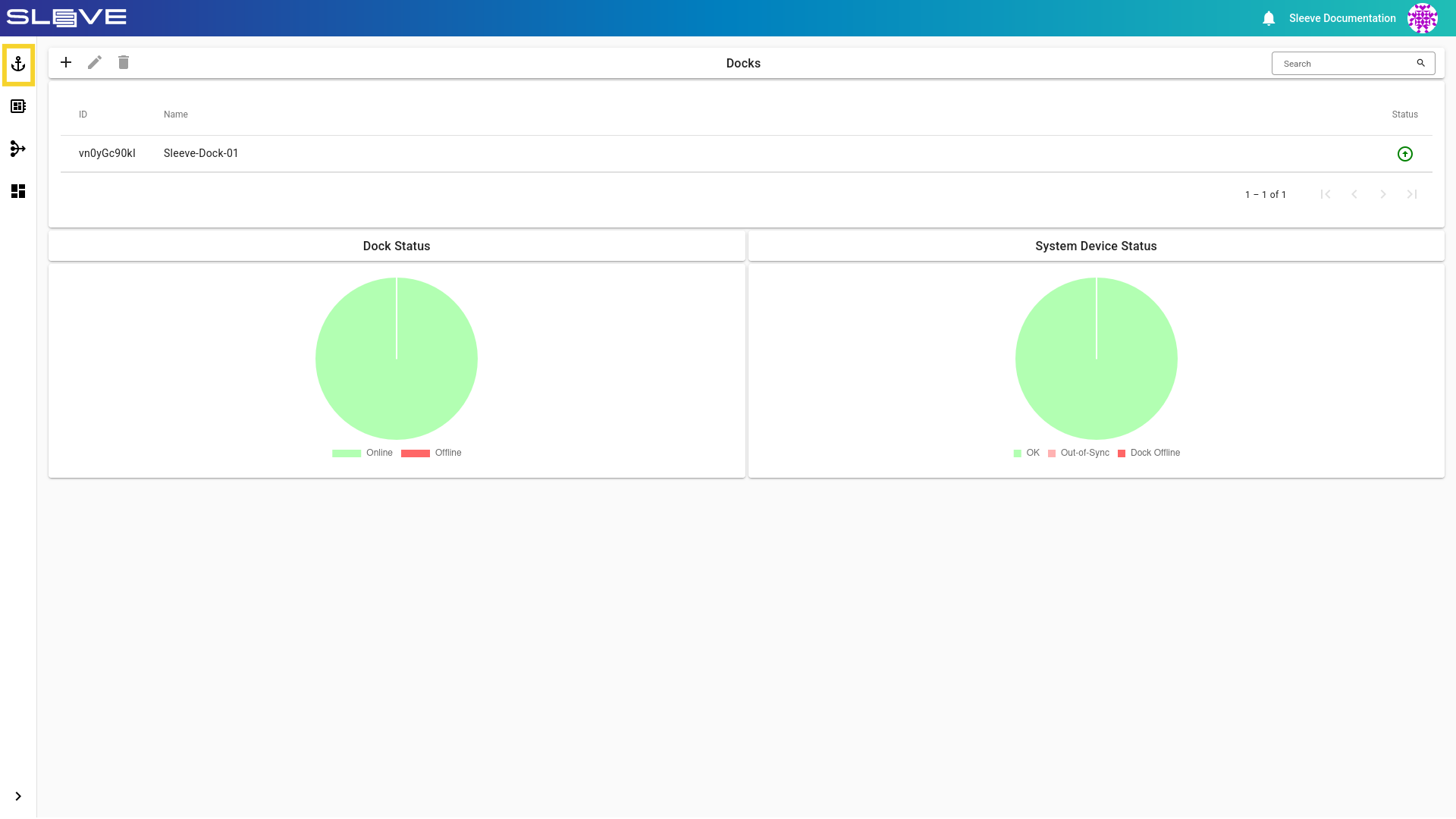
- Navigate to the Docks page by clicking the button.
Image
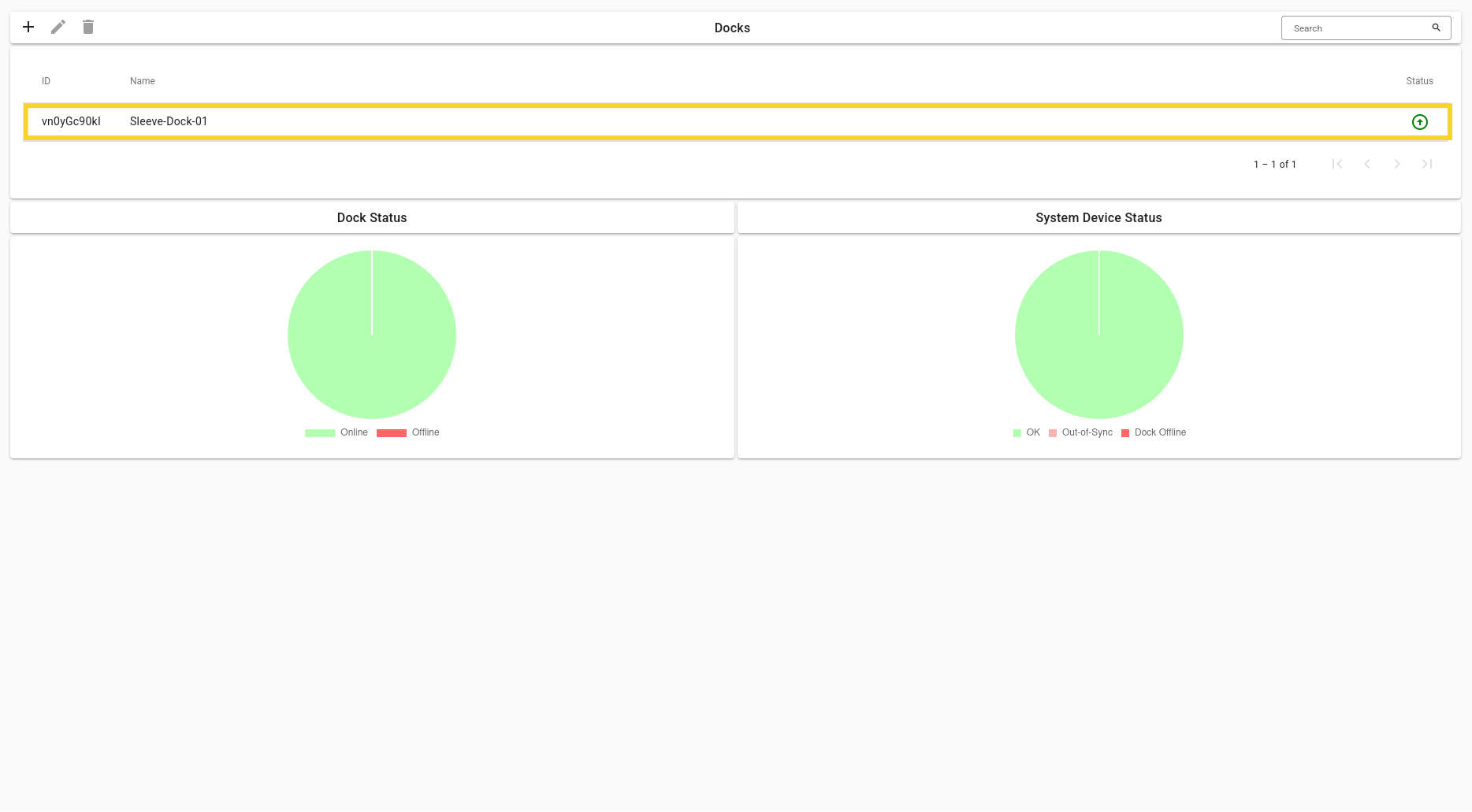
- Find and select your Dock and either double click on it, or click the button to navigate to it’s Page.
Image
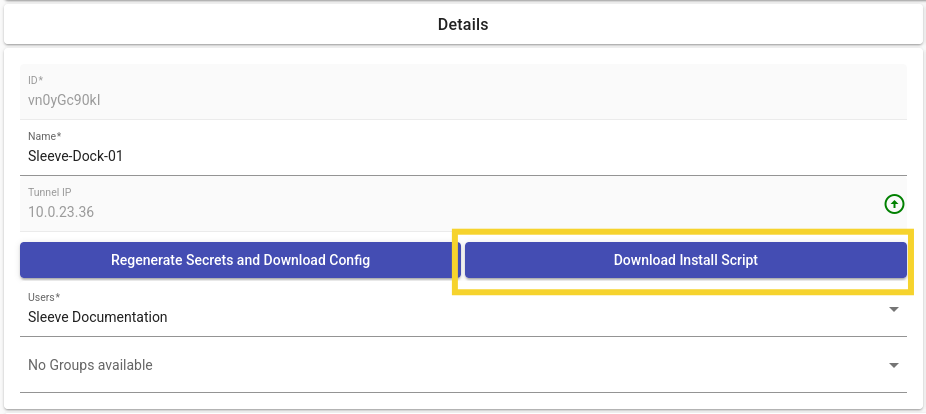
- Download the install script:
- Copy the install script to the intended Sleeve Dock host and execute it.
Permission Errors
If you get a “permission denied” error after running ‘sleeve’, please log out and then log back in. If the error persists, you likely need to grant it execution permissions, try running:
| Bash | |
|---|---|
Note
The install script currently supports apt based package managers. Contact the Sleeve Team if you require an adapted install script.