Sleeve Device Basics
This page describes the structure of a Sleeve Device Page.
For an overview of what a Sleeve Device is and how it works, see Sleeve Devices.
Sleeve Device Cards
Details Card
Example
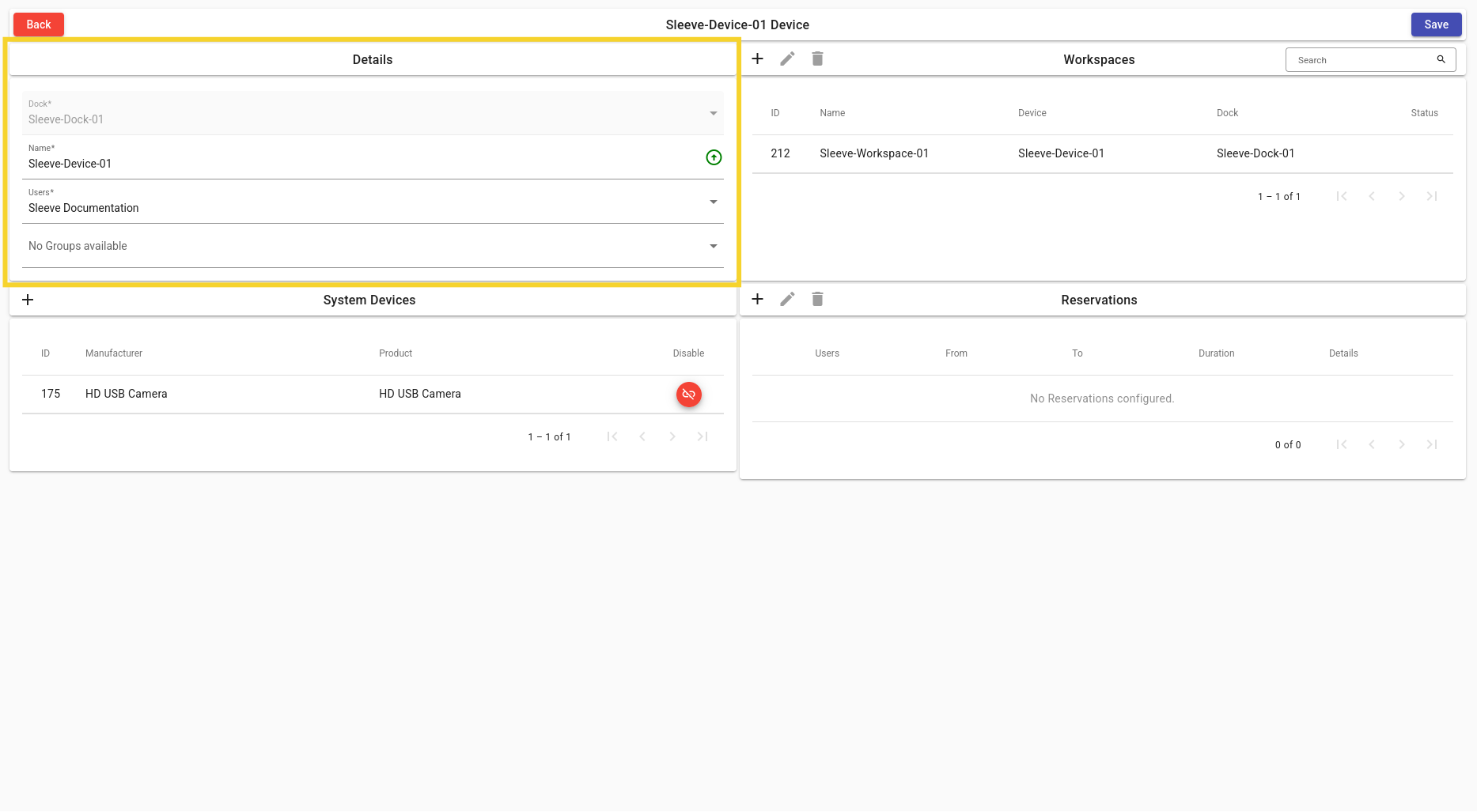
Dock
- Parent Dock for Sleeve Device.
Name
- Display name of Sleeve Device.
Users
- Change the list of users that will have access to this Sleeve Device.
Groups
- Change the list of groups that will have access to this Sleeve Device.
Workspaces Card
For more information on Workspaces: Workspaces.
Example
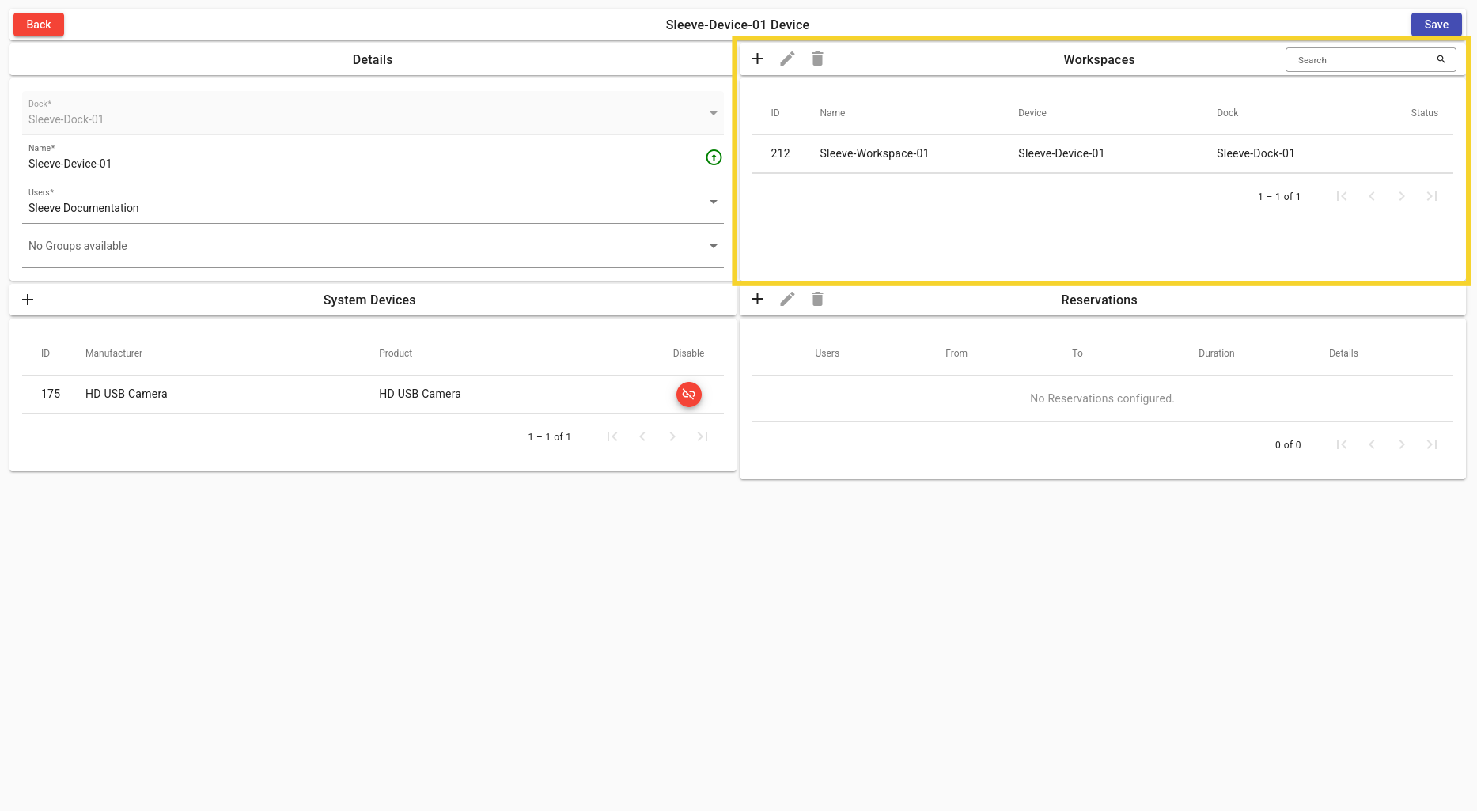
Add Workspace
- Add a Workspace to the current Sleeve Device.
Edit Workspace
- Edit a Workspace.
Delete Workspace
- Delete a Workspace.
List of Workspaces
- A list of Workspaces with their display name, Sleeve Device, Dock and status icon.
System Devices Card
For more information on System Devices: System Devices.
Example
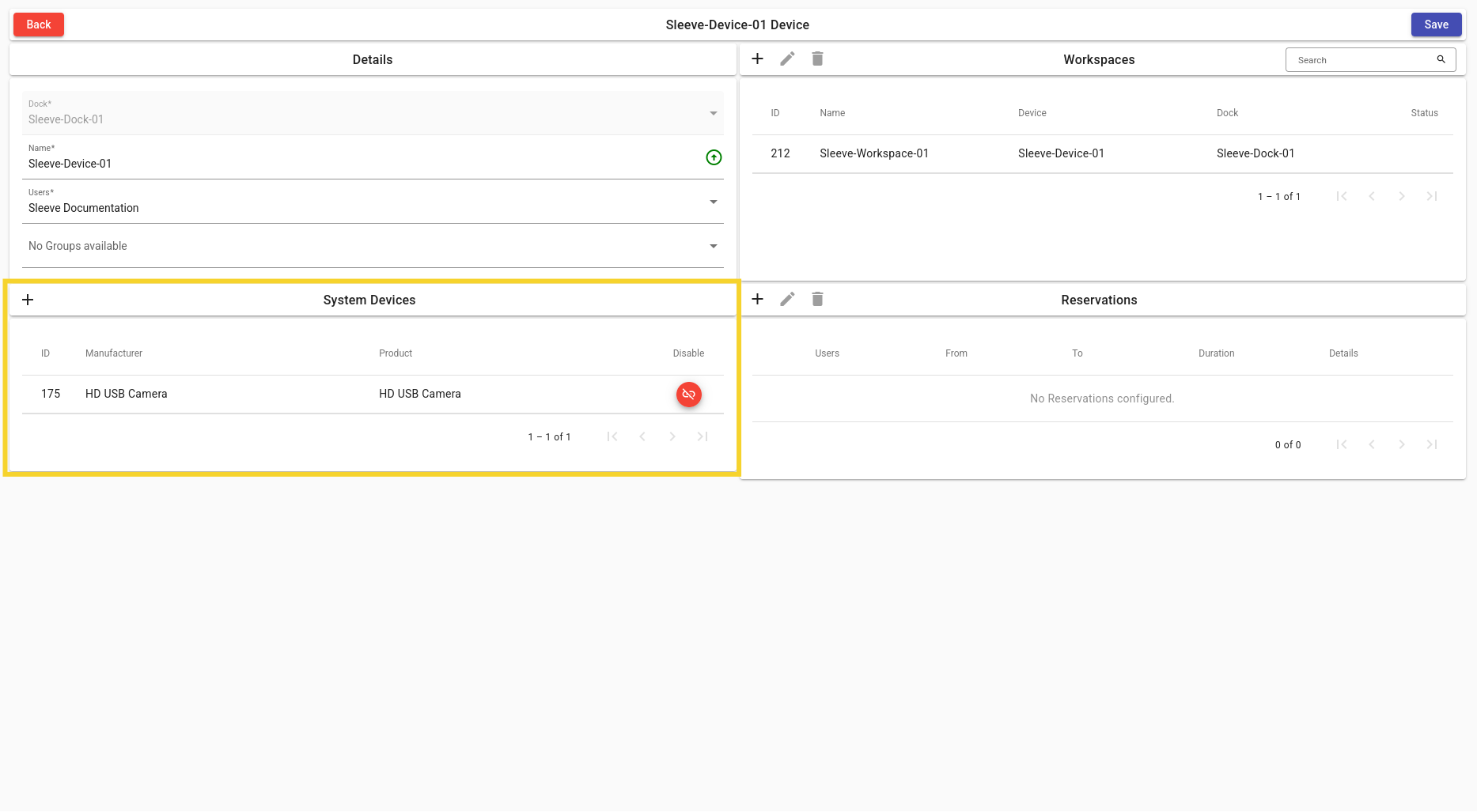
Add System Device
- Link a System Device to the current Sleeve Device.
List of System Devices
- A list of System Devices with their display ID, manufacturer, product name and link icon.
Unlink System Device
- Unlink a System Device from Sleeve Device.
Reservations Card
For more information on Reservations: Reservations.
Example
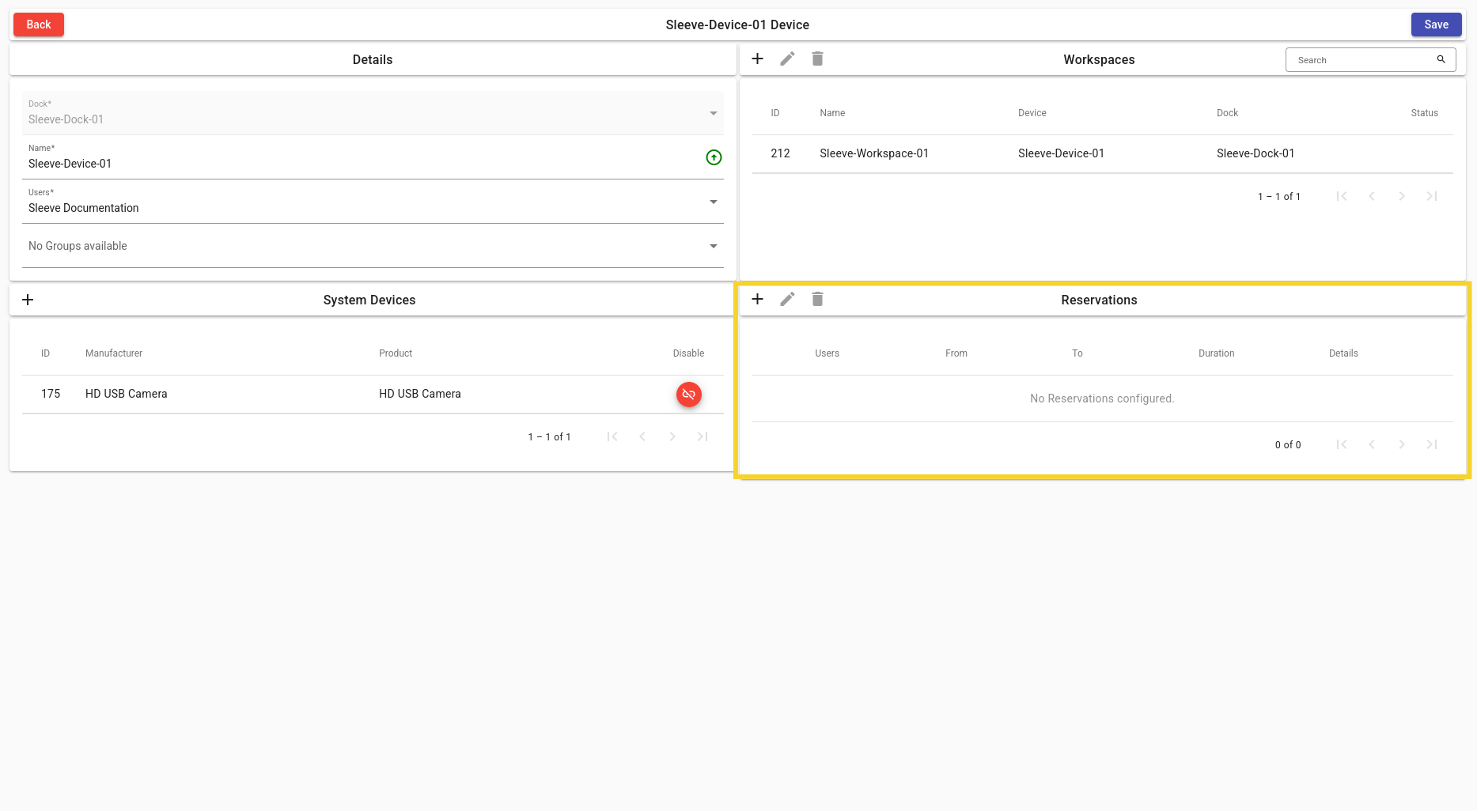
Add Reservation
- Create a Reservation for the Sleeve Device.
Edit Reservation
- Edit a Reservation.
Delete Reservation
- Delete a Reservation.
List of Reservations
- A list of Reservations for this Sleeve Device with their users, from and to dates, duration, and details.