Troubleshooting
How to enable the clipboard in Firefox
By default, firefox disables access to the clipboard. Below are the steps required to enable it for Sleeve Hub.
- Manually paste
about:configinto the address bar
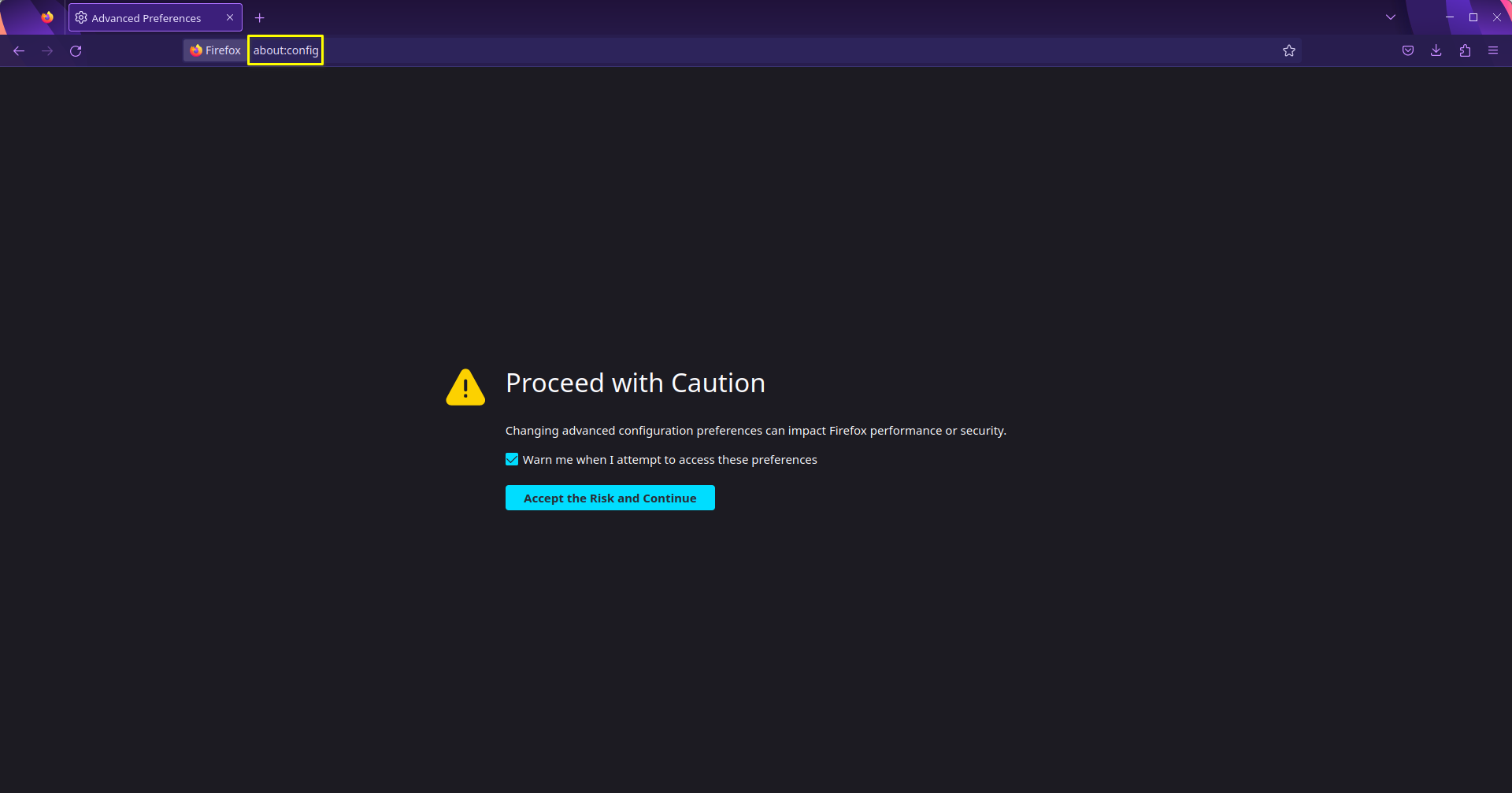
-
Click
Accept the Risk and Continue -
Search for
dom.events.asyncClipboard.readText. Use thetogglebutton (highlighted in yellow) to change the property value totrue.

- Search for
dom.events.testing.asyncClipboard. Make sure that the property is also set totrue.

- The clipboard can now be used in Sleeve Hub Actions!