How to create a new Sleeve Device
For more information on Sleeve Devices: Sleeve Devices.
Create a new Sleeve Device
For more information on Sleeve Devices: Sleeve Devices.
- Open your Sleeve Hub interface and log in.
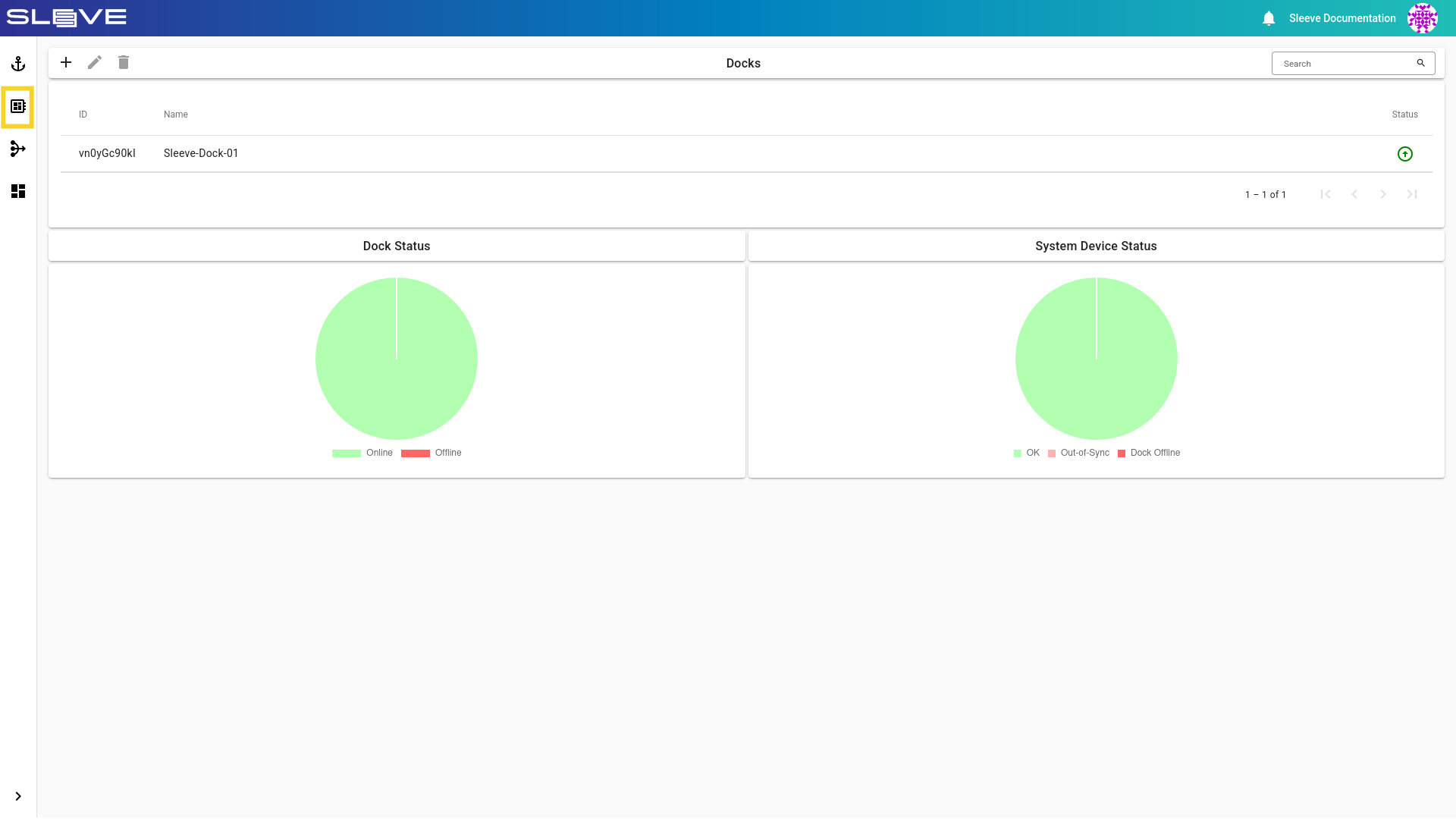
- Navigate to the Devices page by clicking the button on the Navigation Bar.
Image
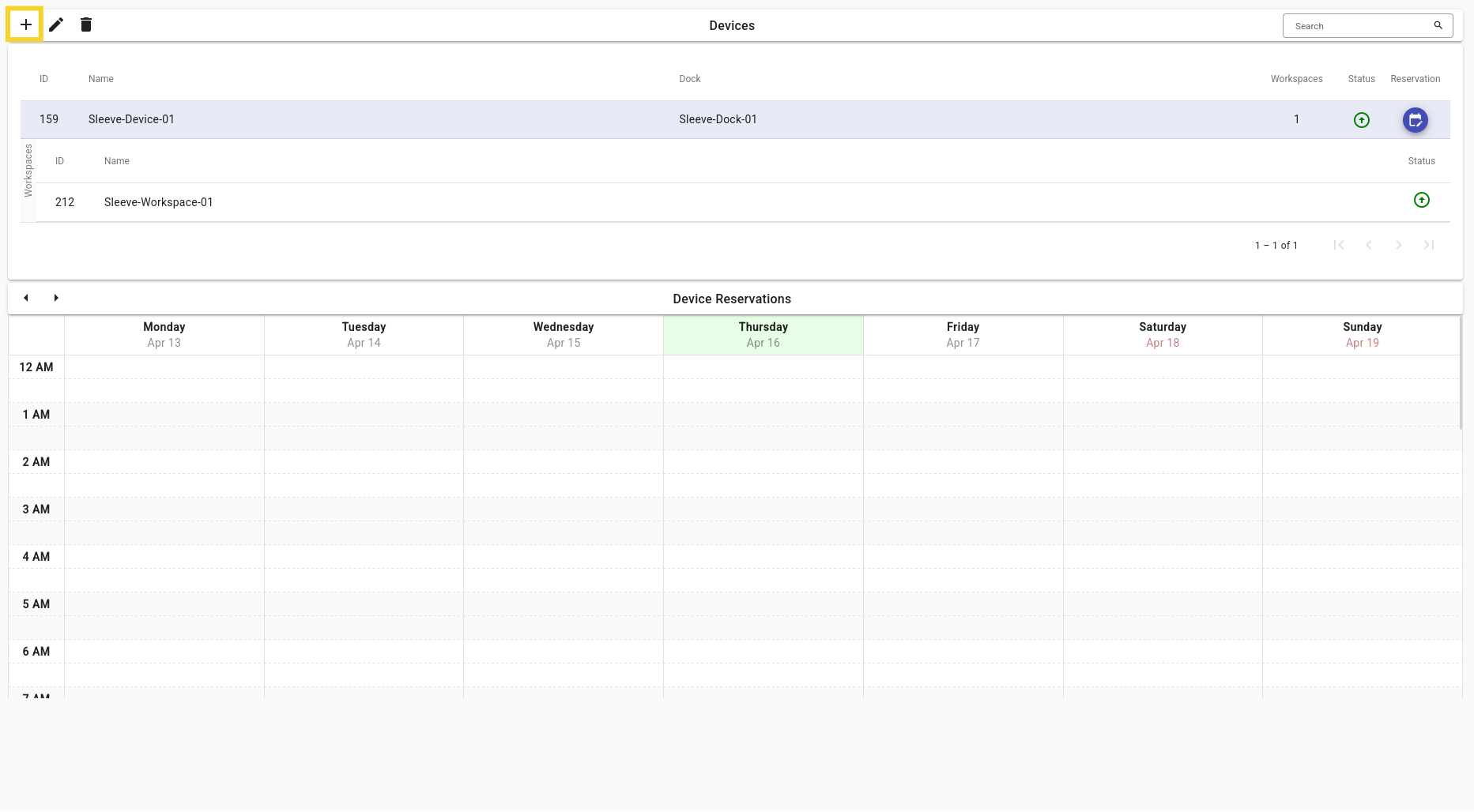
- In the top menu bar labeled Devices click the button to add a Sleeve Device.
Image
- Set the initialization fields according to your needs and click the create button.
Example
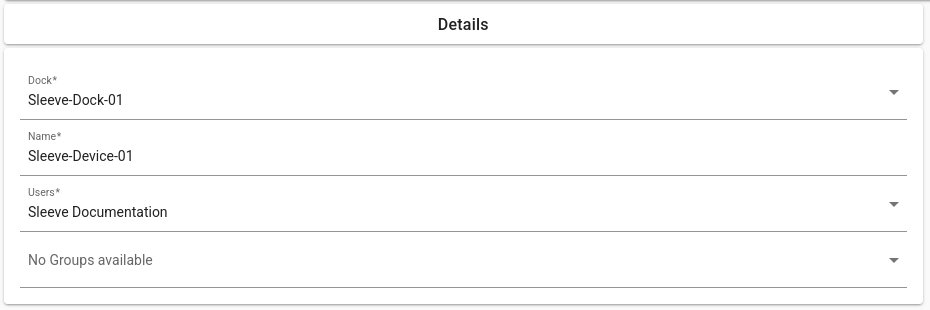
Description of Fields
Sleeve Device Initialization Fields
| Field | Description |
|---|---|
| Dock | The Dock this Sleeve Device will run on. |
| Name | The display name for this Sleeve Device. |
| Users | A list of users that will have access to this Sleeve Device. |
| Groups | A list of groups that will have access to this Sleeve Device. |