Action Basics
This page describes the structure of an Action page.
For an overview of what an Action is and how it works, see Actions.
Header Bar Buttons
Left Header Bar
Example
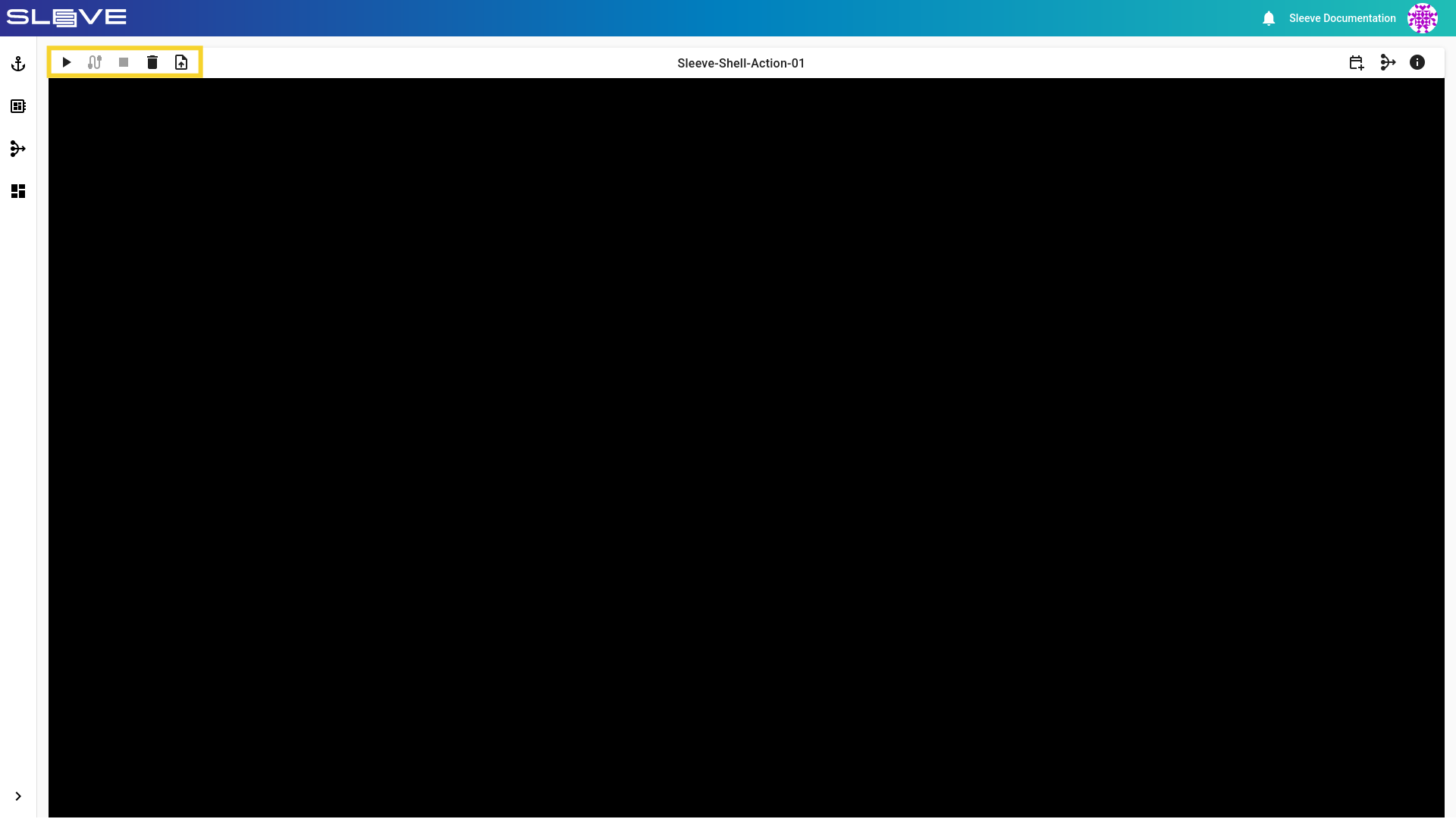
Start Action
- Start a stopped Action.
Reconnect
- Reconnect to an already running background Action.
Stop Action
- Stop a running Action.
Upload File
- Upload a single file to
/sleeve/uploads/<file-name>.
Delete Virtual Machine (Virtual Machine Only)
- Delete the Virtual Machine. The next startup will take considerably longer!
Right Header Bar
Example
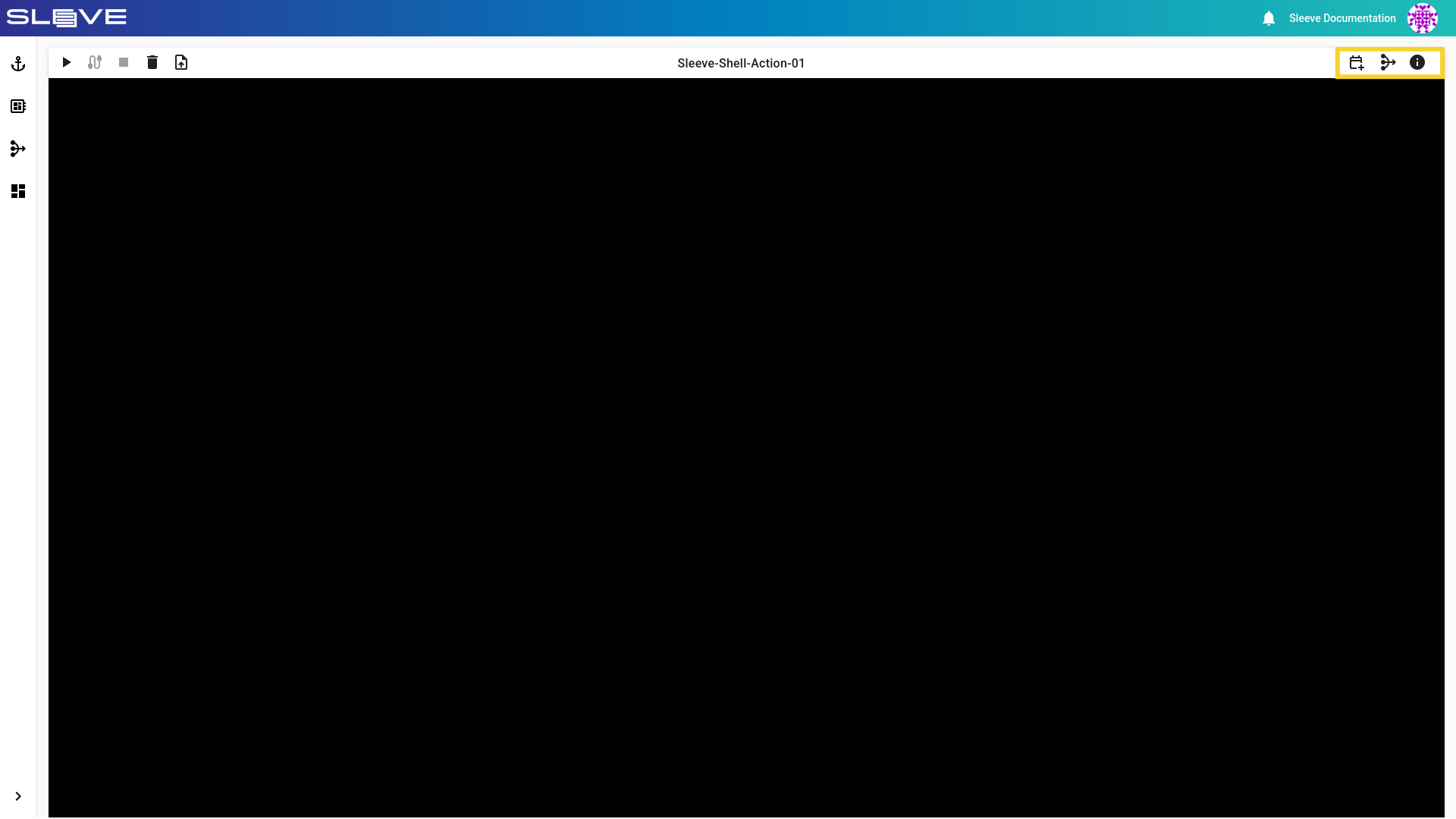
Workspace Quick View
- Shows Workspace contents in a small window above the Action.
Toggle View (Desktop Action Only)
- Switches between Desktop and Shell views.
Action Diagnostics
- Displays Action status, Action container IP address, and container hostname.