How to create a new User
Target Audience
- Administrators
Prerequisites
A previously added Identity Source.
Create a new User
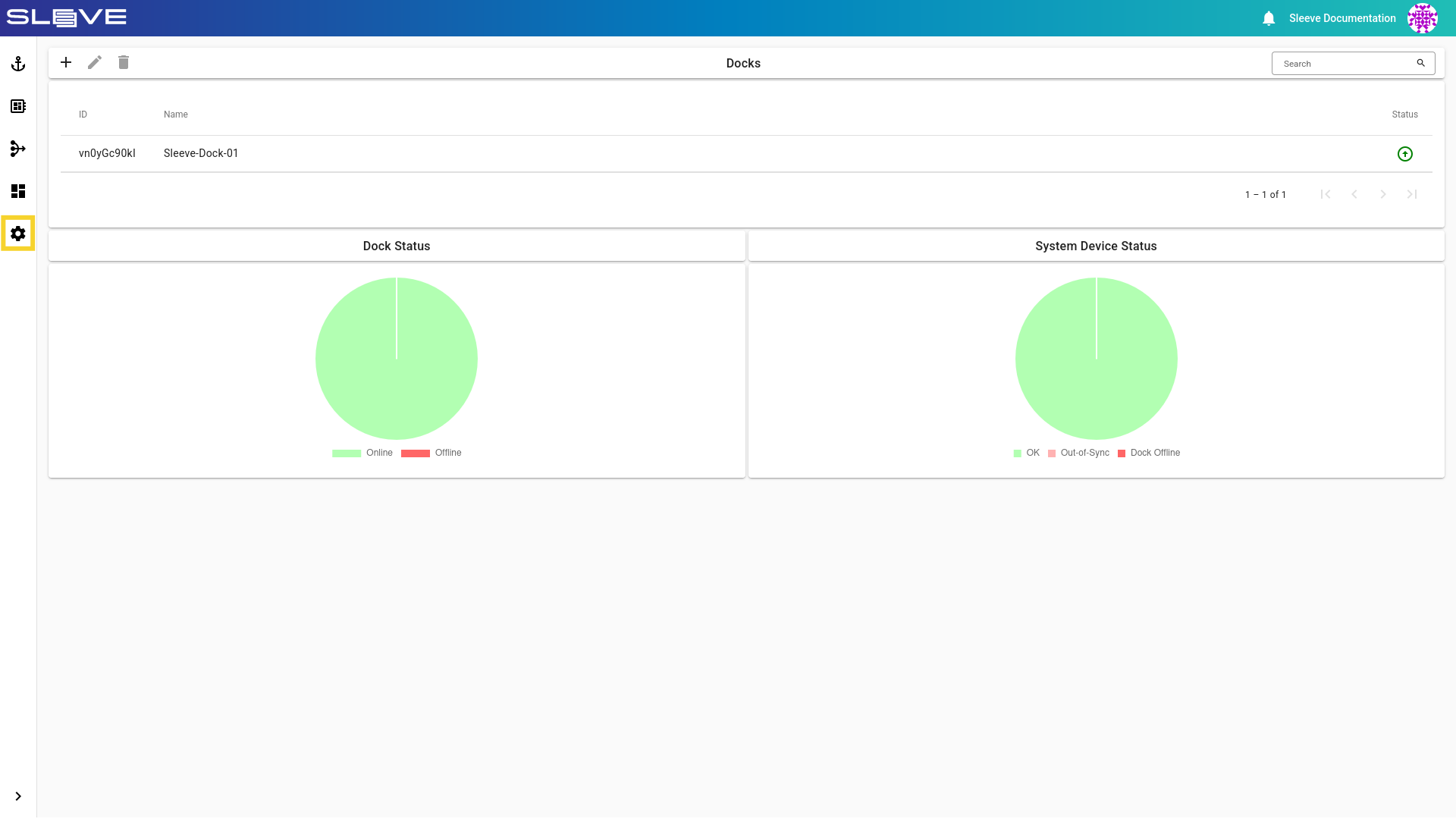
- Navigate to
Settingsby clicking the button.
Image
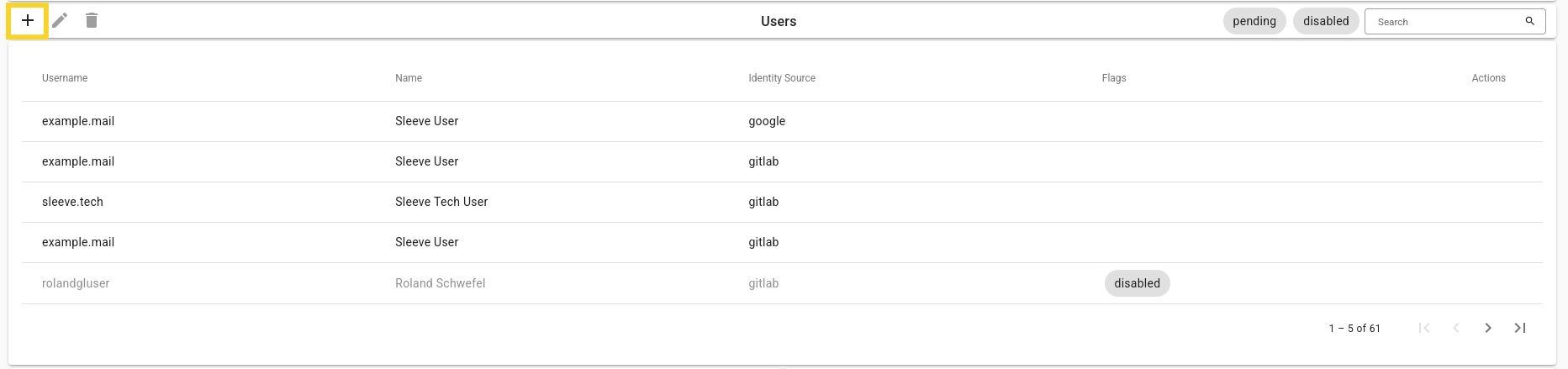
- Click the button in the Users card to add a new User.
Image
-
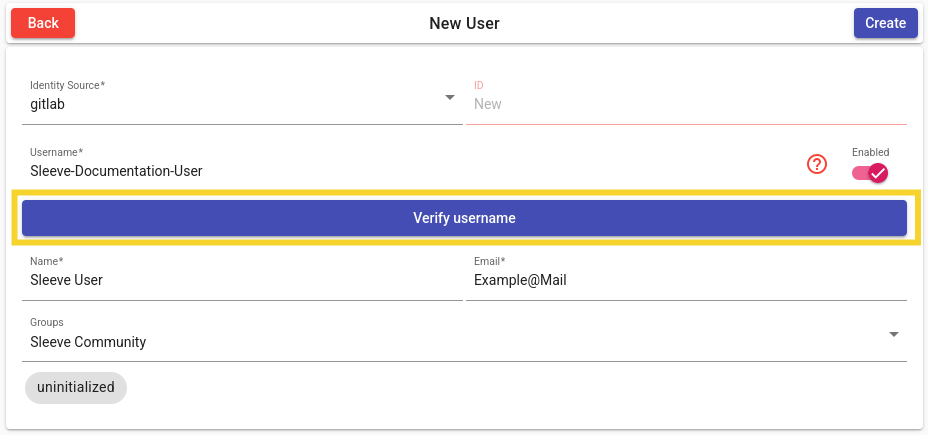
Set the initialization fields according to your needs.
-
After entering a valid username, click the Verify Username button. If the username exists, the
IDfield will be automatically filled.
Warning
The username must be exactly the same as in the chosen identity source.
If gitlab.com is used as an identity source, then use the gitlab username.
Example
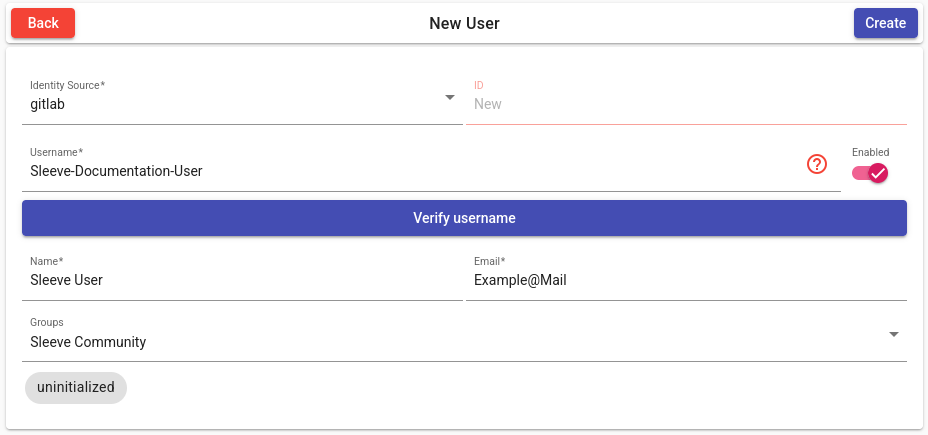
- Click the Create button to create the new user.
Description of Fields
| Field | Description |
|---|---|
| Identity Source | Identity Provider which the User uses. |
| ID | Automatically filled ID when an existing Username is verified. |
| Username | Username matching the Selected Identity Source. |
| Enabled | Toggle for making the User enabled on creation. |
| Name | Display name of User. |
| Email of User. | |
| Groups | Groups which the User will be included in. |