How to add an Identity Source
Target Audience
- Administrators
For more information on Identity Sources: Identity Sources
Create a new Identity Source
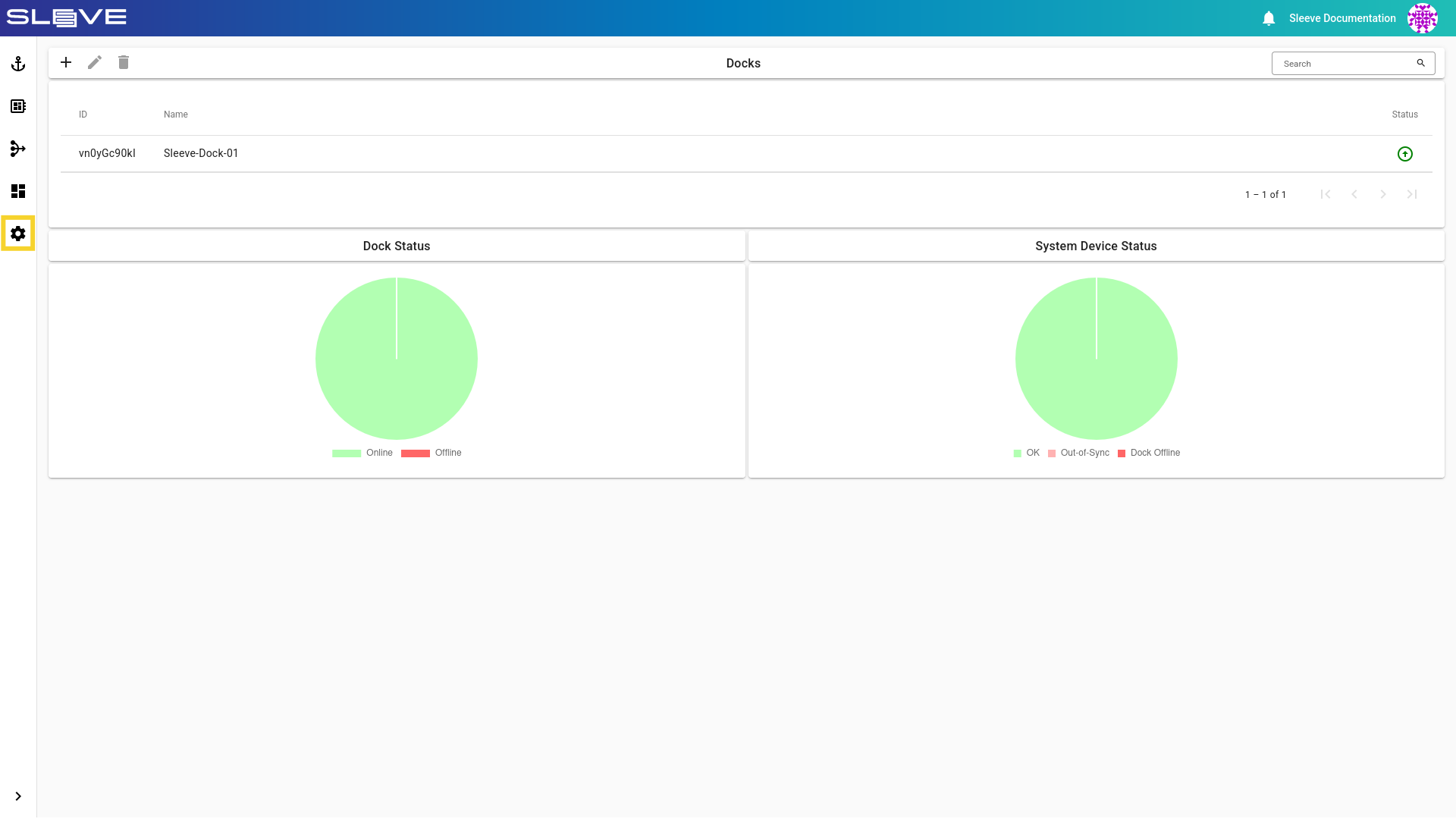
- Navigate to the settings page by clicking the button.
Image
- Find the Identity Sources card from the settings card.
Image
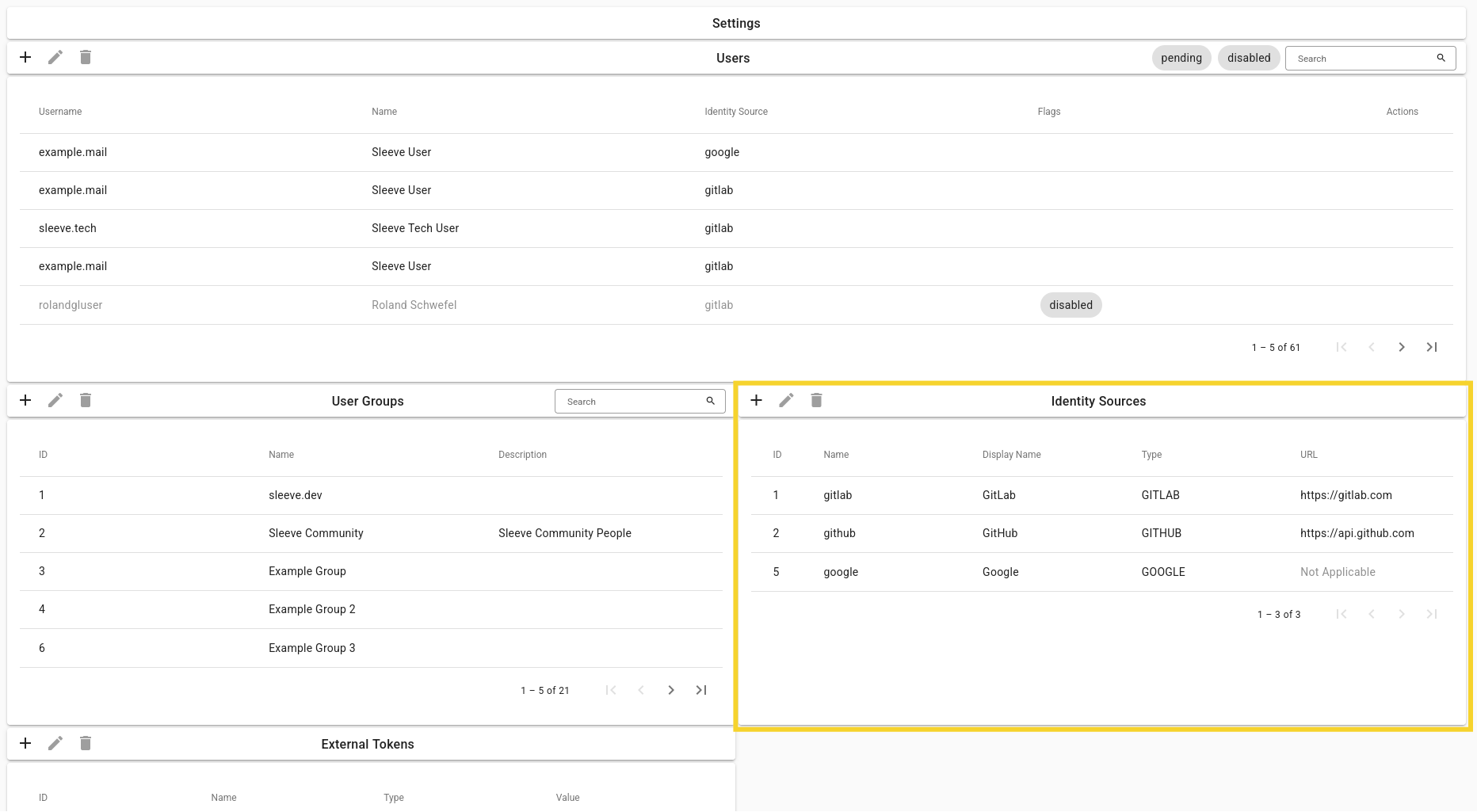
- Click on the button to add a new source.
- Set the initialization fields according to your needs and click the create button.
Description of Fields
Identity Source Initialization Fields
| Field | Description |
|---|---|
| Name | Name of the Identity Provider which the Identity Source uses. |
| Display Name | Displayed name of the Identity Source. |
| Type | Type of the Identity Source, could be Github/Gitlab, Google etc. |