How to expose Action Ports on the Sleeve Dock host
Edit the Workspace
If it is necessary to expose Action ports, e.g., for a board calling back to a vECU or exposing a web service, do the following:
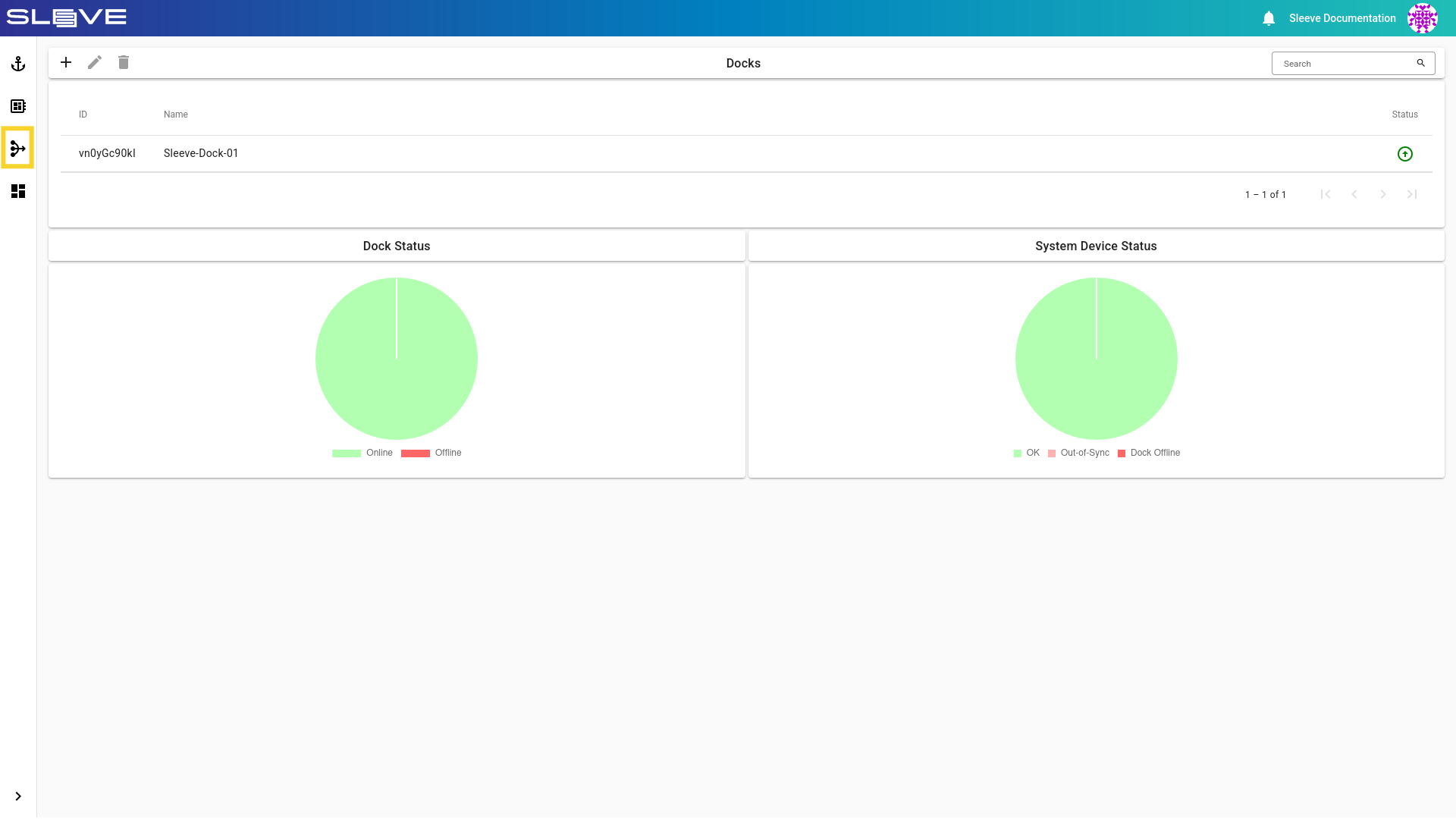
- Navigate to the Workspace List by clicking on the button.
Image
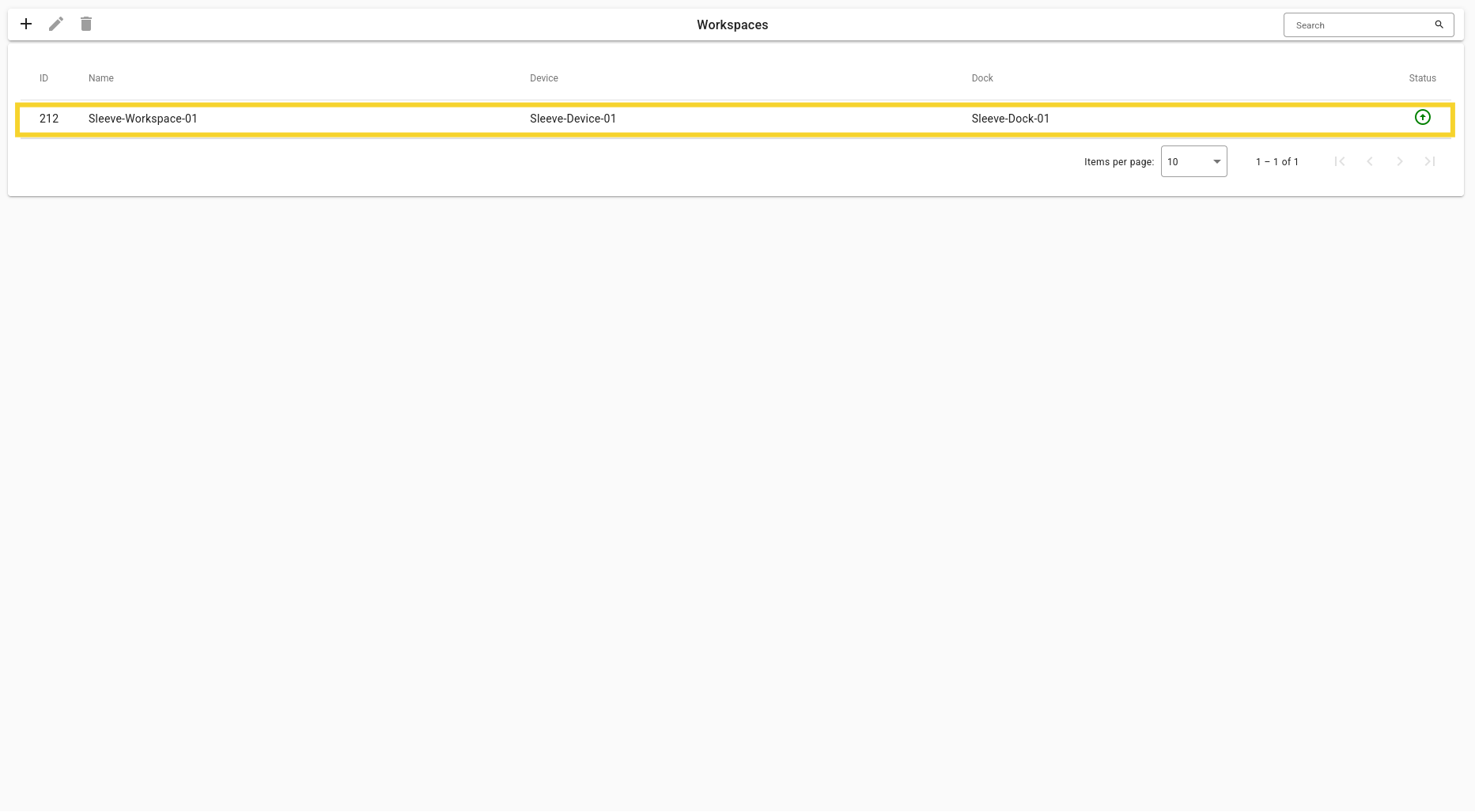
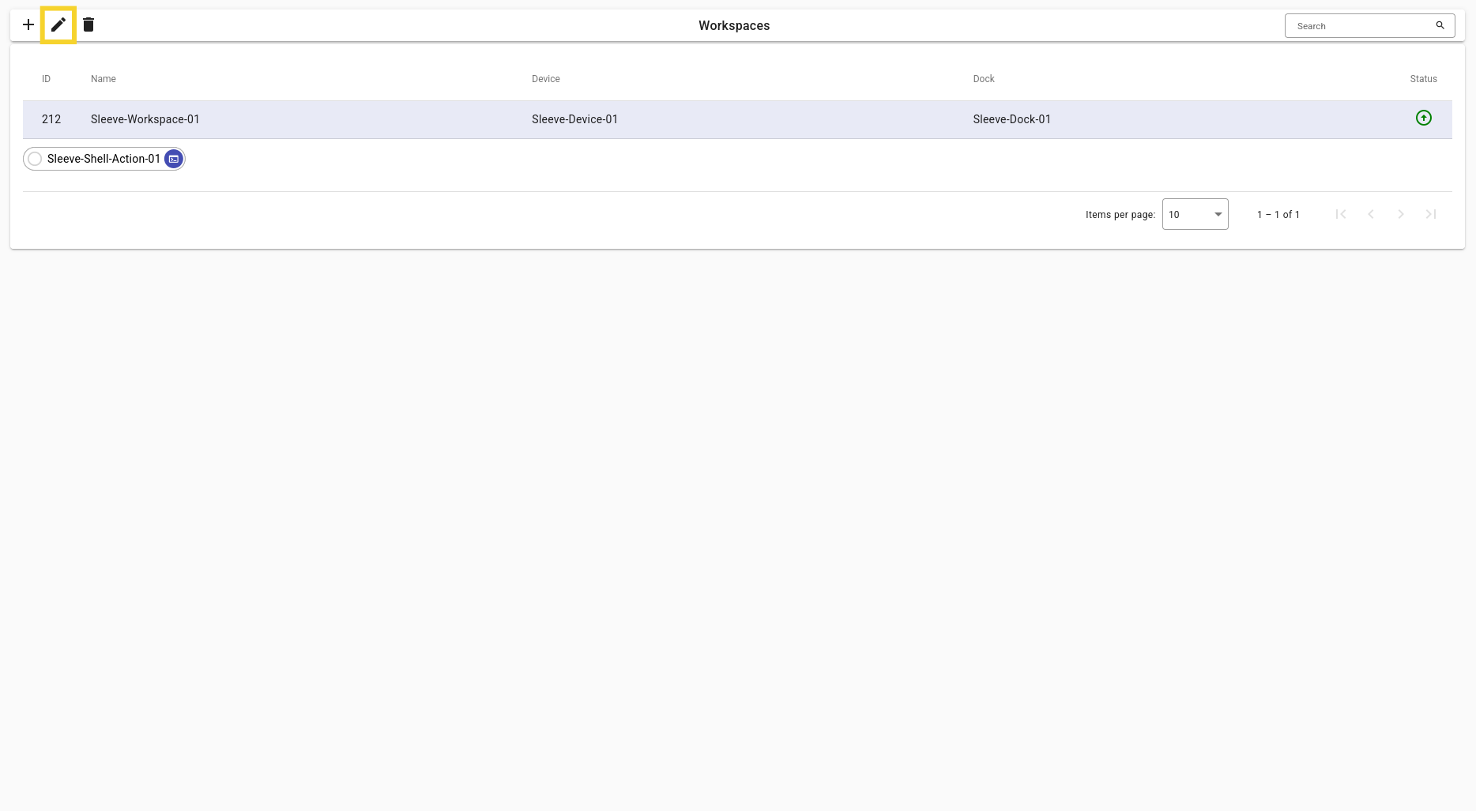
- Click on a Workspace and then click the button.
Image
Add Action Ports
- On the Workspace screen, click an Action and then click the button.


- On the Action screen, click the button in the “Exposed Ports” card.
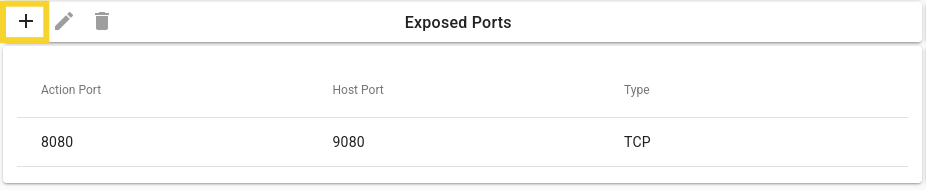
- Set the initialization fields according to your needs and click the Add button.
Example
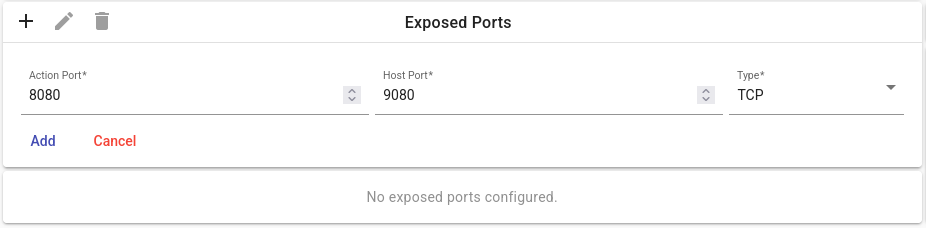
Description of Fields
Action Ports Initialization Fields
| Field | Description |
|---|---|
| Action Port | The Action port to be exposed. |
| Host Port | The host port to be exposed. |
| Type | Pick the protocol of the port, either TCP or UDP. |