Administration
Target Audience
- Administrators
Admin Mode
Danger
Great care should be taken when using Admin Mode! It is possible to interrupt other users work or delete currently used Workspaces. Data loss may occur!
Toggle Admin Mode
- Click the user icon to show a dropdown menu.
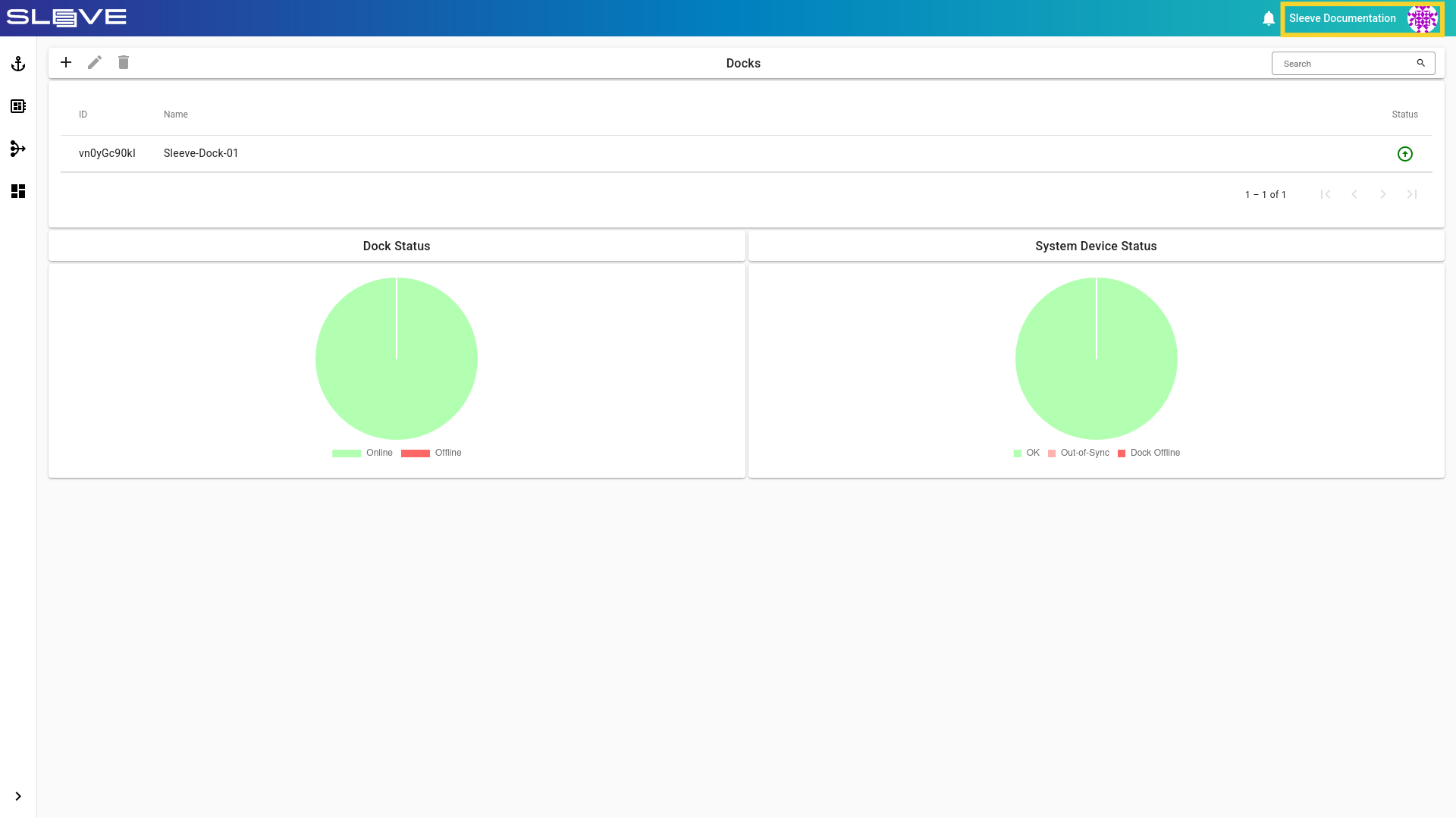
- Click the Admin Mode button to enable admin mode.
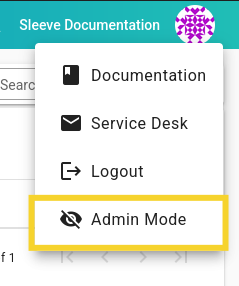
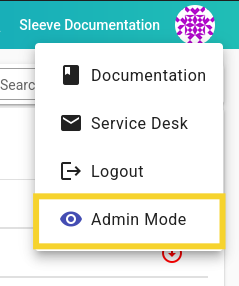
- Click the Admin Mode button to disable admin mode.
Capabilities
Admin Mode allows administrators to manage Docks, Devices, Workspaces and Actions from other users or groups without requiring explicit access. While Admin Mode is enabled, the admin can edit or delete any entity from a Hub.
Limitations
- For Security reasons, administrators are not allowed to start, stop or attach to Actions.
- Device reservation will still be respected, while Admin Mode is enabled. Deleting or editing Workspaces from reserved Devices is not possible until the reservation is deleted or expires.